An AI story planner that writes every scene.
Describe the story once. Flowvdo writes the outline, the cast and the places, splits the story into scenes that fit Google Flow’s clip lengths, and writes the prompt for each scene. You edit, refine and approve.
Flowvdo uses your own Google Flow account and credits, and your own AI provider key. Not affiliated with Google.
Planning is where story videos stall
I have the idea, but turning it into twenty scene prompts takes my whole evening.
Every prompt describes the character a little differently, and it shows.
My clips don’t add up to a story: no beginning, no ending, no reason for scene four.
I asked a chatbot for prompts, then copied each one into Flow by hand.
A real production plan, not a list of prompts
Say what you want, as precisely as you like
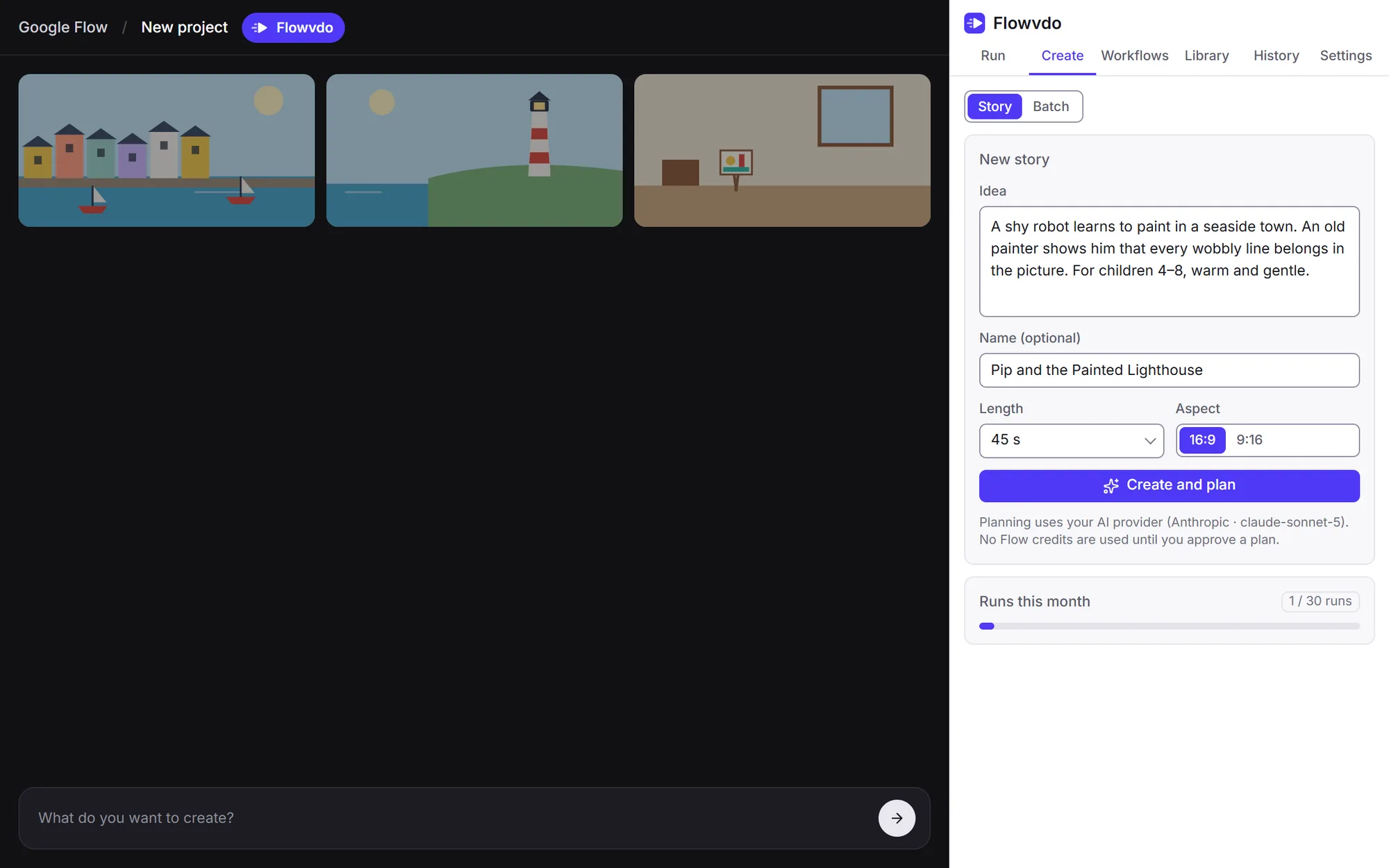
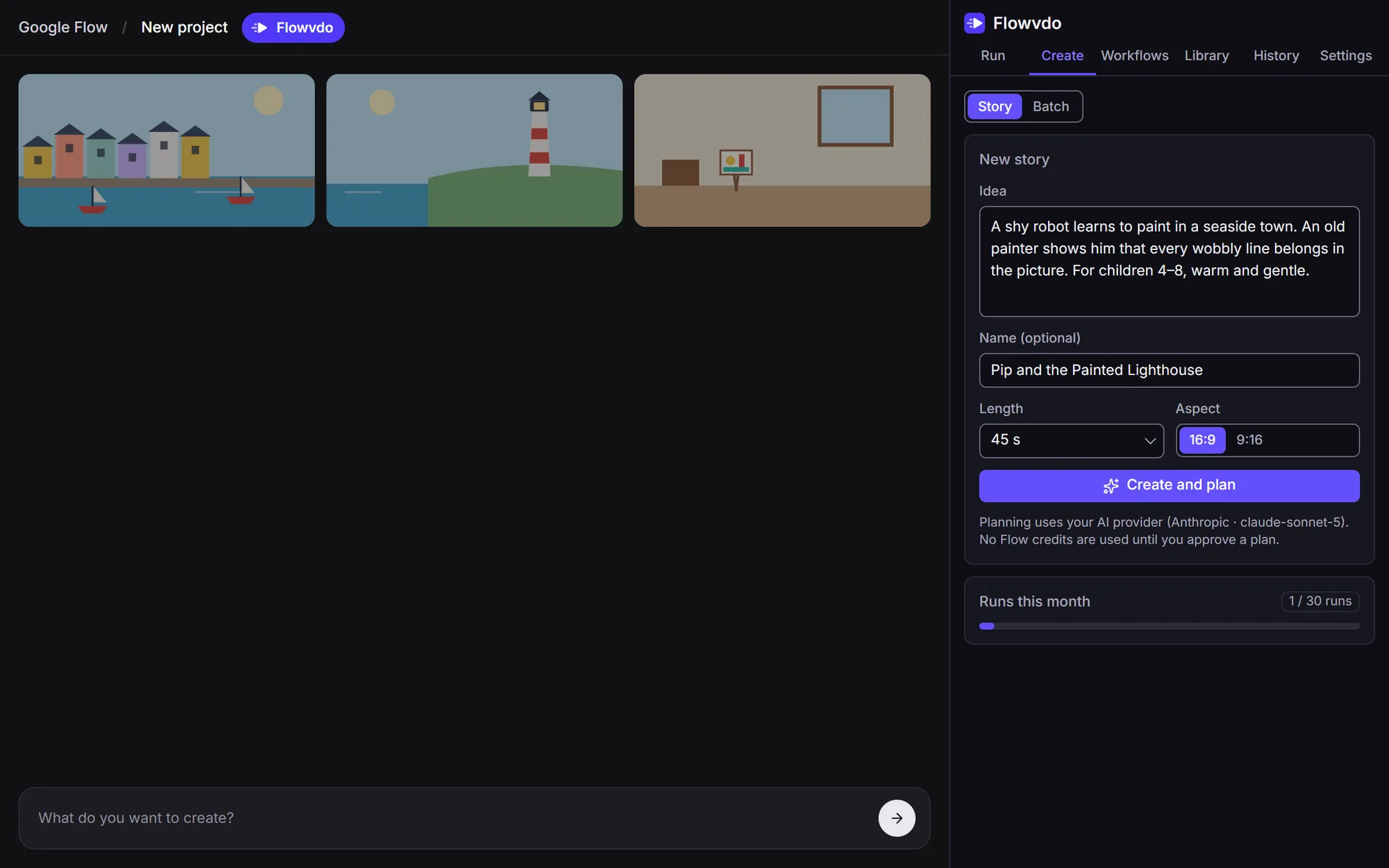
Write the idea and pick the audience, tone, genre, visual style, language, length, aspect ratio (16:9 landscape or 9:16 portrait) and the Google Flow video model. Or type an idea in the extension’s Create tab and open the plan from there.
- Start from a template: product ad, explainer, bedtime story, vertical short, music video, travel postcard
- Lengths from a few seconds to several minutes
- 360p for cheaper drafts or 720p, with the clip length that fits the model
- Start from the web app or the side panel
Outline, scenes, prompts, continuity
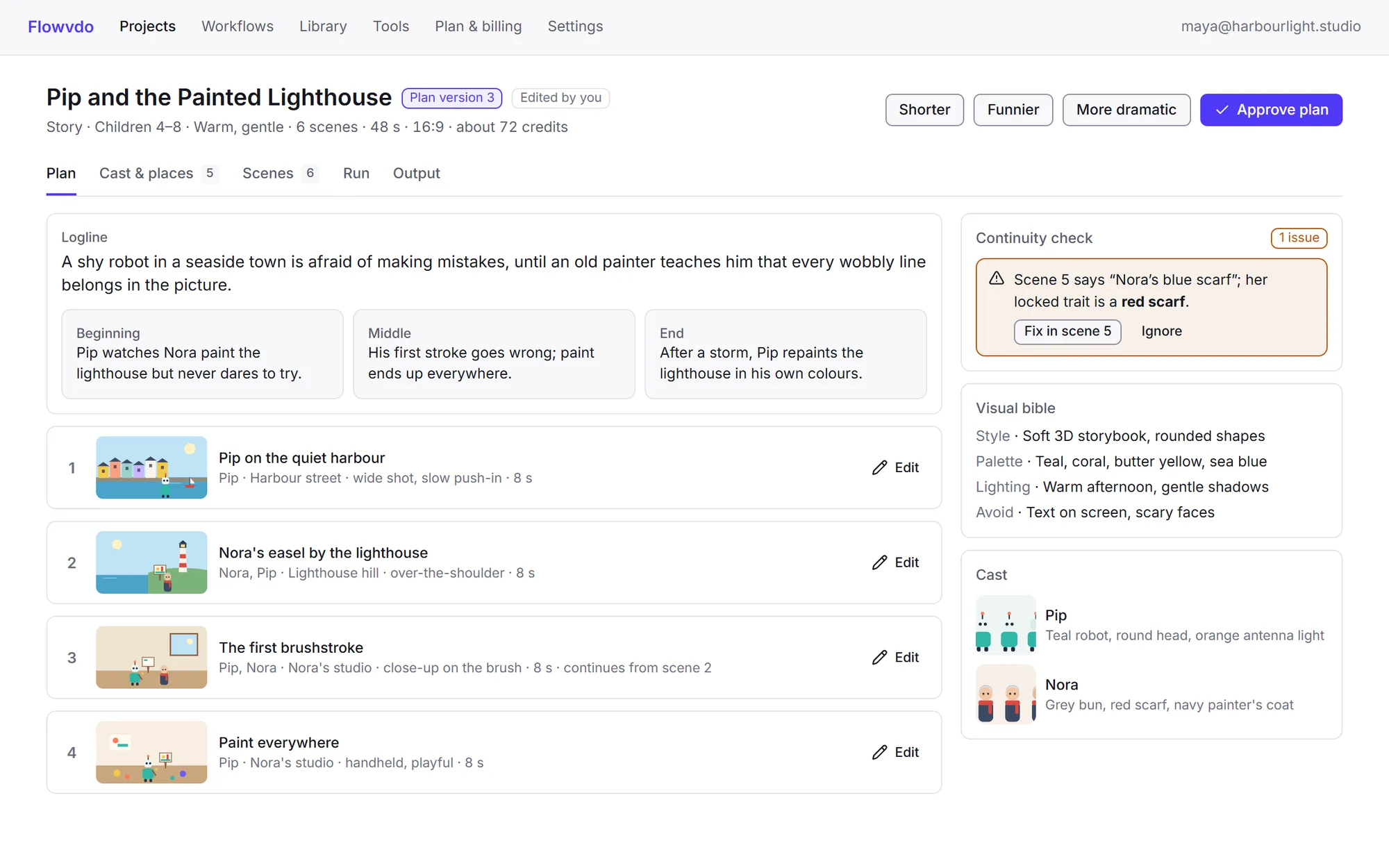
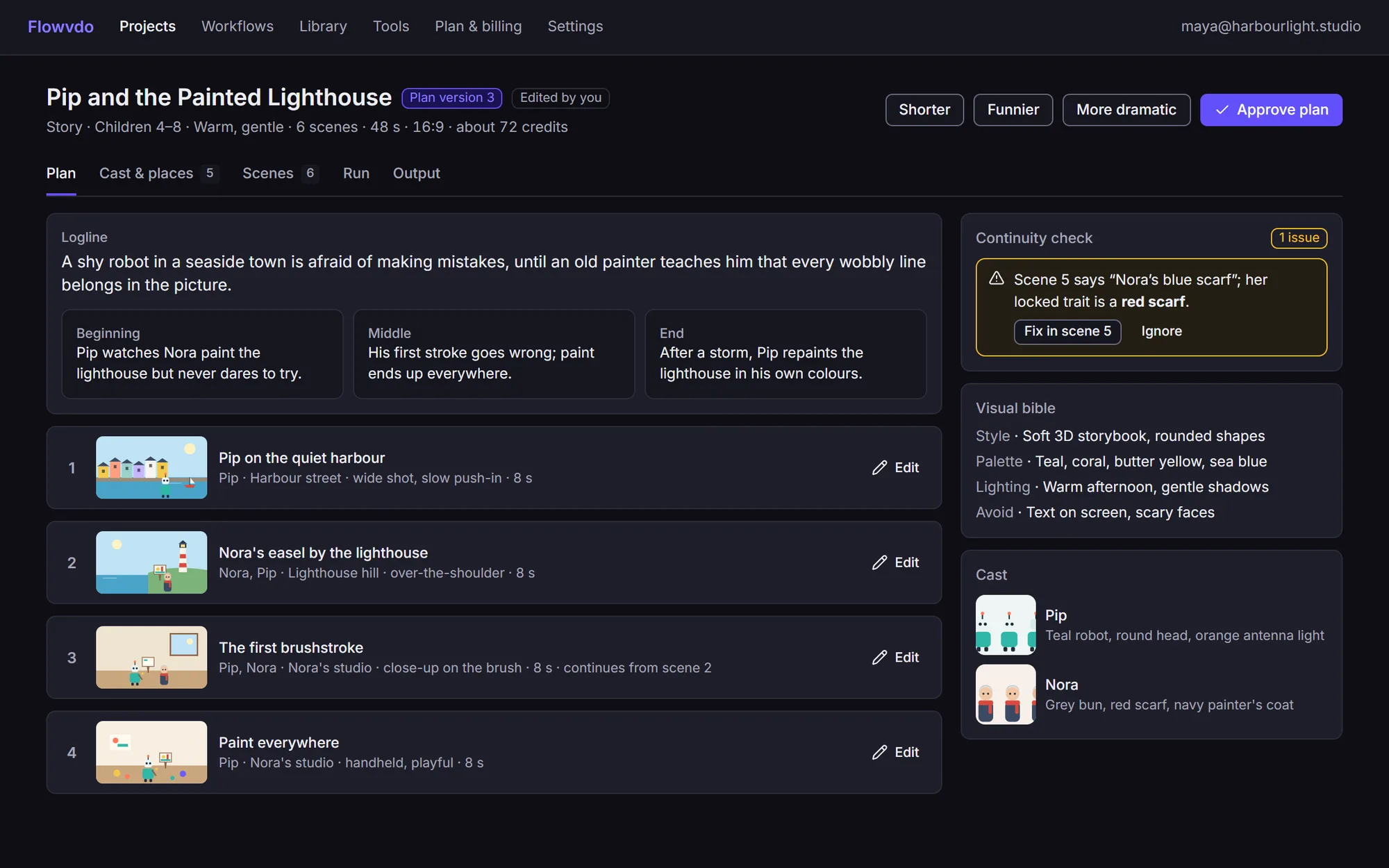
Each step is a separate AI call, so a hiccup costs one step, not the whole plan. The outline gives the logline, beginning, middle and end, the cast and the places. Scenes add objective, action, camera and duration. Prompts turn each scene into a Google Flow prompt. A continuity check looks for drift.
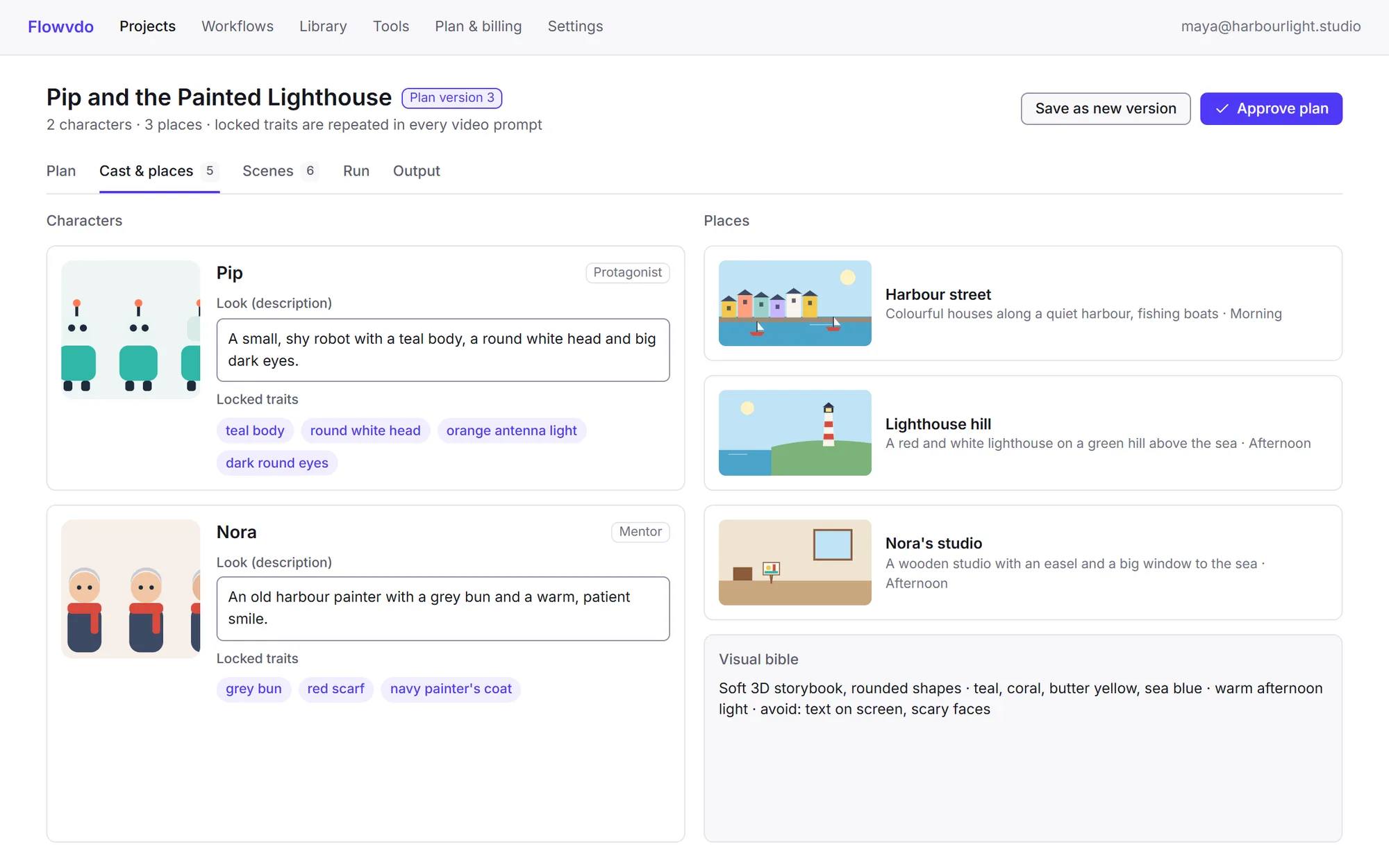
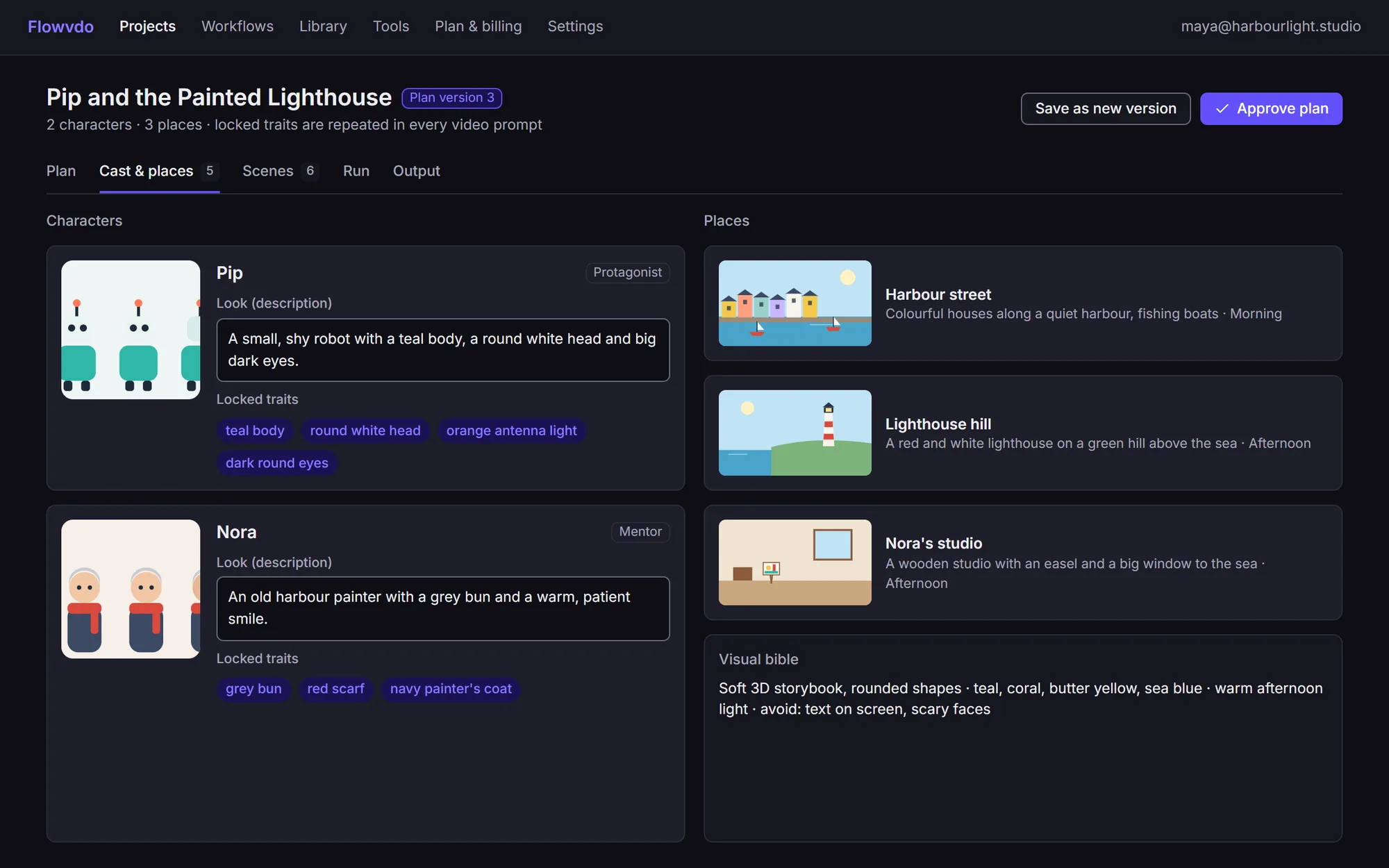
- Characters with a look and locked traits
- Places with a description and time of day
- A visual bible: style, palette, lighting and things to avoid
Change the whole story with one click
Refine with AI: Shorter, Longer, Funnier, More dramatic, Simpler dialogue, or your own instruction. Regenerate a single scene, or edit any field by hand. Every change is saved as a new version, and Approve plan locks the version you run.
- Edit title, act, duration, place, action and the exact Flow prompt
- “Edited by you” marks your changes
- Go back to any earlier version
What the planner gives you
Story brief
Describe an idea with audience, tone, genre, visual style, language, length, aspect ratio and Flow model.
Story templates
Six starting briefs: product ad, explainer, bedtime story, vertical social short, music video and travel postcard.
Start from the side panel
Type an idea in the extension's Create tab and open the plan in one click.
Four-step AI plan
Outline, scenes, a Google Flow prompt for every scene and a continuity check, each a separate AI step.
Refine with AI
Shorter, Longer, Funnier, More dramatic, Simpler dialogue, or your own instruction.
Regenerate one scene
Redo a single scene without touching the rest of the plan.
Scene editor
Edit a scene's title, act, duration, place, action and the exact Google Flow prompt.
Plan versions
Every edit is saved as a version; approving one locks it for the run.
Continuity check
AI flags outfit drift, missing references and time-of-day jumps; nothing changes until you apply a fix.
Credit estimate
See the number of clips, the length and the estimated Flow credits before you run.
Planned by the AI you choose
The planner runs in the extension with your own key: Revoye, OpenAI, Anthropic, Google Gemini, OpenRouter, or any OpenAI-compatible endpoint, including a local model. Flowvdo never sees the key, and no Flow credits are used until you approve a plan.
AI providersThe AI story planner is in every plan. The Free plan gives you 1 active project, 2 runs a month, up to 4 scenes and 30 s per video; Creator and Storyteller raise those limits. Your Google Flow credits stay your own on every plan.
Compare plansQuestions, answered
Does planning use Google Flow credits?
Which model should I use for planning?
Can I write the scenes myself?
How big can a plan be?
What languages can the story be in?
Make your first story video
The Free plan makes one short video from start to finish, so you can see the whole pipeline before you pay.
Flowvdo uses your own Google Flow account and credits, and your own AI provider key. Not affiliated with Google.