Your product, in every shot you need.
Upload your product photo once. Flowvdo attaches it to every prompt in a batch, applies your brand style, makes angles and effects, turns stills into short videos, and saves everything with names your team can find.
Flowvdo uses your own Google Flow account and credits, and your own AI provider key. Not affiliated with Google.
Sound familiar?
We need forty variations of one product shot for next week’s tests.
Every generated mug looks like a slightly different mug.
The files land as “download (12).png” and nobody can find the winning one.
I want one photo turned into four angles and a short video of each.
From one photo to a set
- 01
Add the product
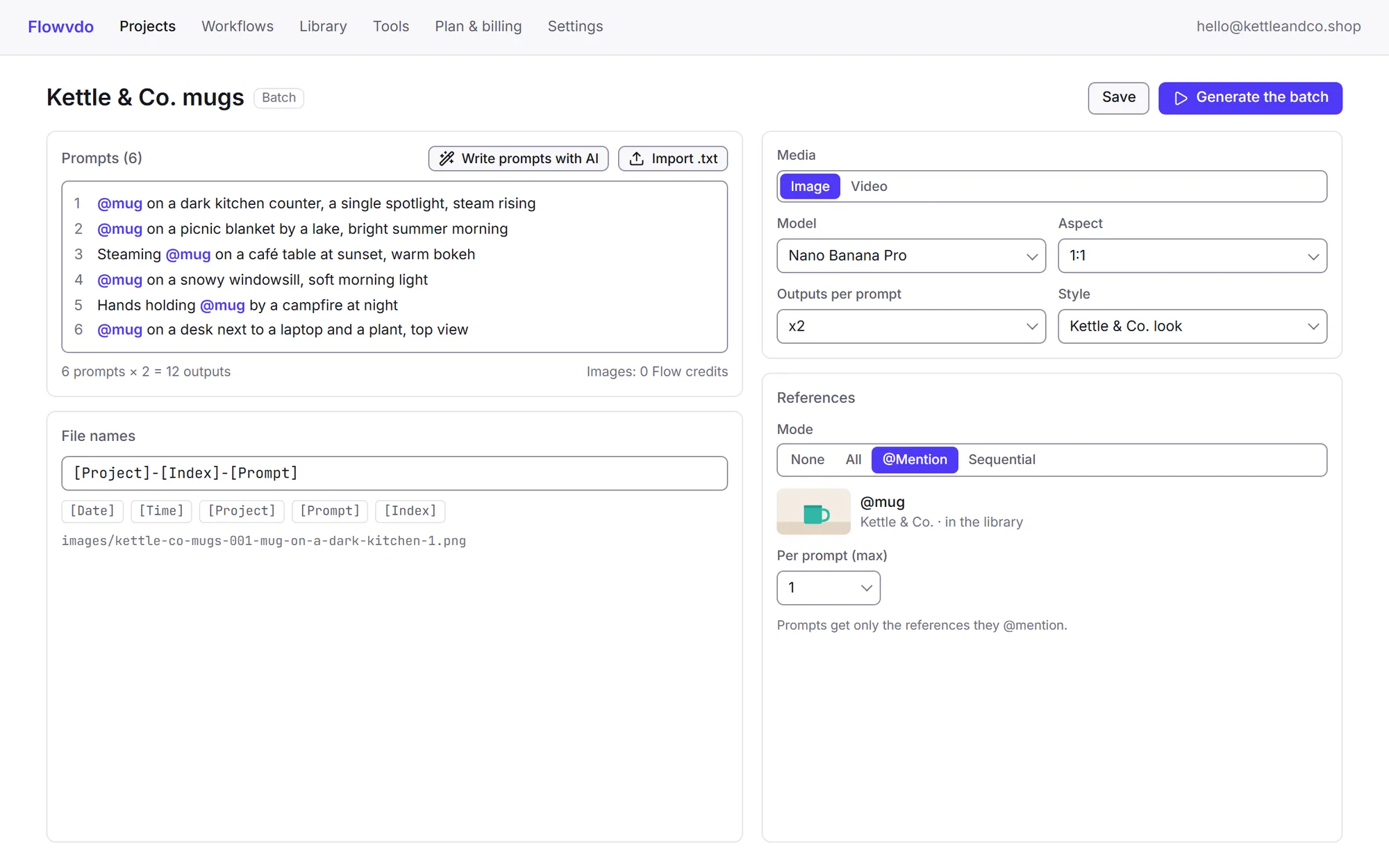
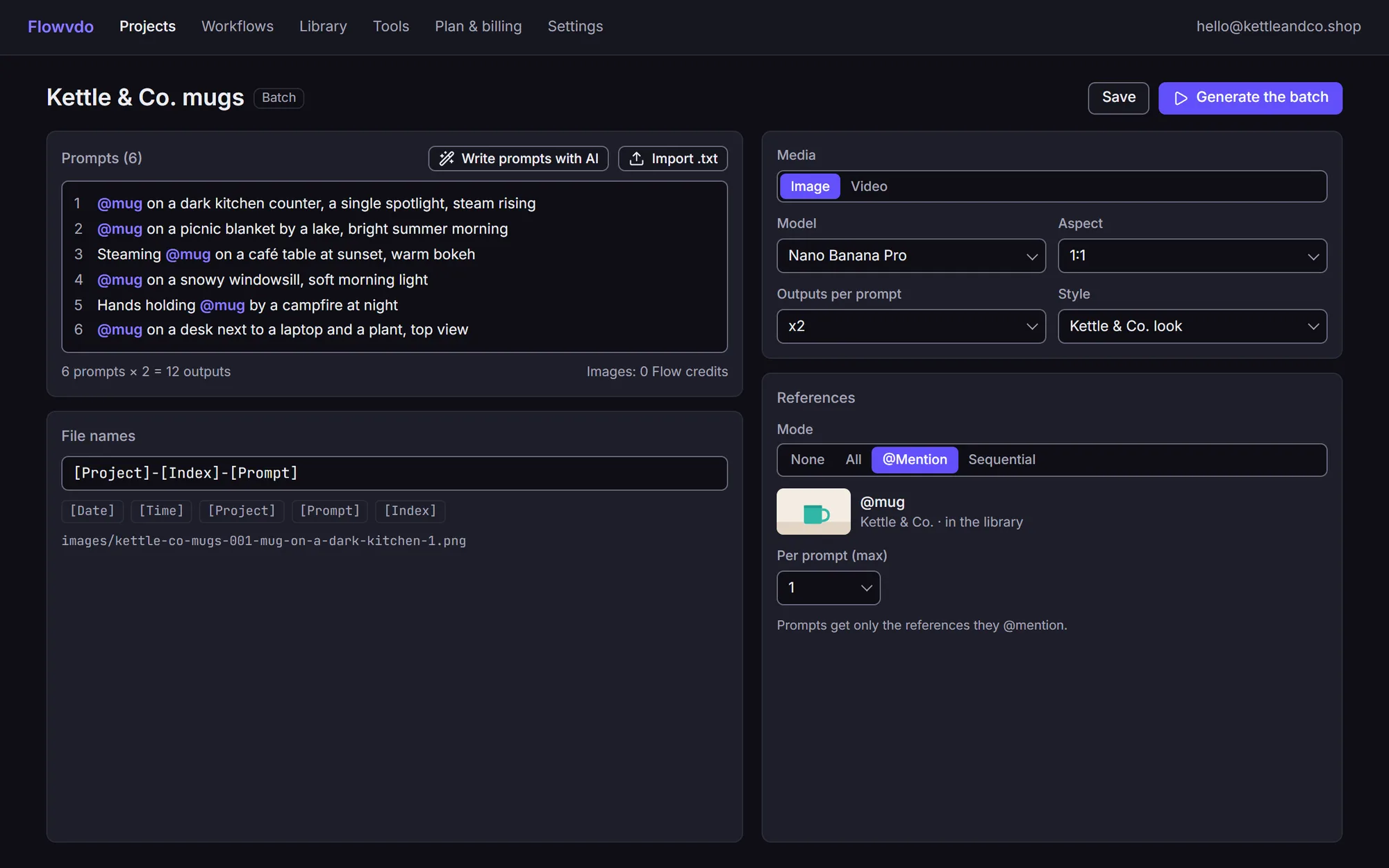
Save the photo to your library as
@mug, and your brand look as a style. - 02
Write the variations
Paste prompts or import a .txt file: settings, seasons, props. Choose @Mention or All references.
- 03
Angles and motion
Use Tools for angles and effects, or the “Product photo → 4 angles → video each” workflow template.
- 04
Review and rerun
Filter the results grid, rerun failed items or everything on another model, and share the folder.
Built for variations
Batch builder
Up to 300 prompts per batch, images or videos, one to four outputs each, or import a .txt file.
@mentions
Write @slug in a prompt to attach that picture from your library.
Styles
A saved style is added to the end of every prompt in a batch.
Angles and Effects
Turn one picture into front, side, back and other angles, or restyle it as watercolour, claymation and more.
File names you choose
Name files from [Date], [Time], [Project], [Prompt] and [Index].
Run again
Rerun failed only, failed and pending, everything, or on another model; duplicate a batch.
Make it repeatable
Turn your best process into a workflow: product photo in, angles out, a video for each, saved by template. Next launch, swap the photo and run it again.
Workflow BuilderBatches, Tools and workflows is in every plan. The Free plan gives you 1 active project, 2 runs a month, up to 4 scenes and 30 s per video; Creator and Storyteller raise those limits. Your Google Flow credits stay your own on every plan.
Compare plansQuestions, answered
Will the product look exactly like my photo?
Can I make video ads?
How many variations can I run?
Make your first story video
The Free plan makes one short video from start to finish, so you can see the whole pipeline before you pay.
Flowvdo uses your own Google Flow account and credits, and your own AI provider key. Not affiliated with Google.