The Google Flow automation extension that finishes the video.
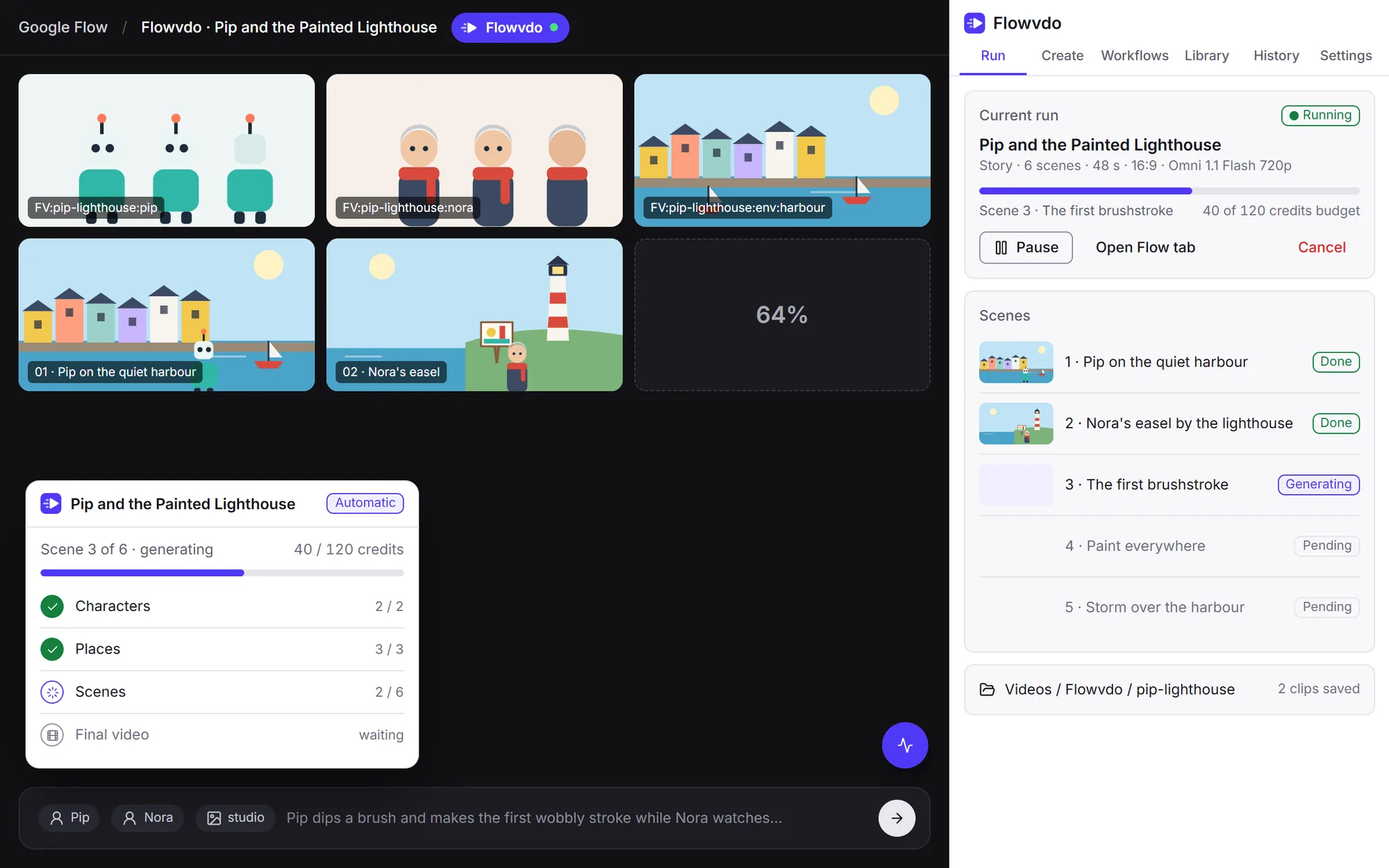
Flowvdo’s Chrome extension operates Google Flow for you: it sets the model and settings, attaches references, types each prompt, presses Generate, waits for the result and saves it. You watch it work in a tracker inside Flow, or get on with your day.
Flowvdo uses your own Google Flow account and credits, and your own AI provider key. Not affiliated with Google.
You decide. Flowvdo does the clicking.
| Item | You | Flowvdo |
|---|---|---|
| Write the idea or the prompts | Yes | No |
| Plan scenes and write Flow prompts | Approve | Yes |
| Create the Flow project and name it | No | Yes |
| Set model, ratio, resolution, length | Choose once | Yes |
| Attach references to each prompt | No | Yes |
| Press Generate | Manual mode | Automatic mode |
| Wait, detect the result, download it | No | Yes |
| Verify you’re a person, sign in, buy credits | Yes | Never |
| Join the clips into one video | No | Yes |
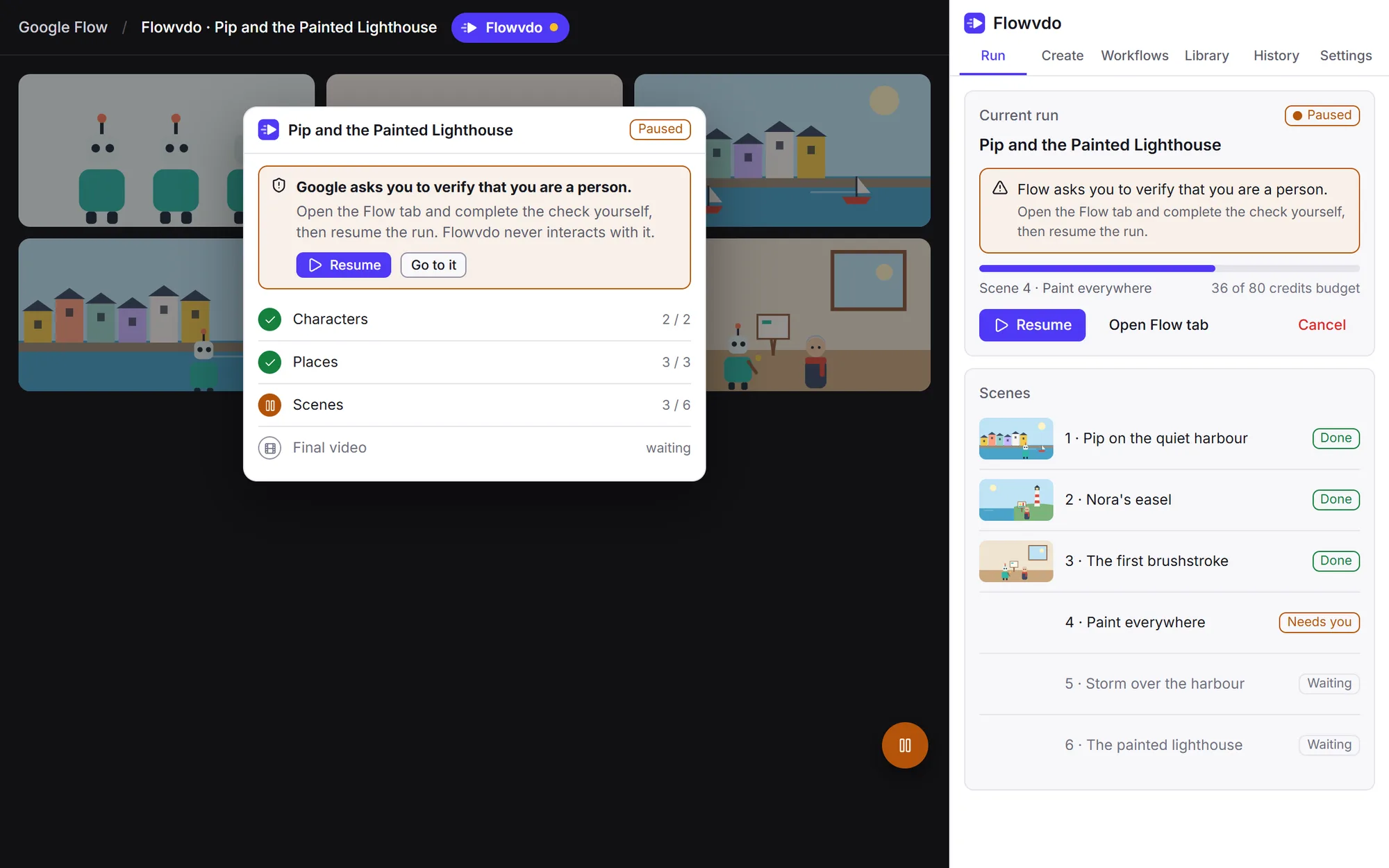
Google’s checks are always yours: Flowvdo pauses and waits whenever Flow asks you to verify or sign in.
It lives where you work
A Flowvdo button next to your project title
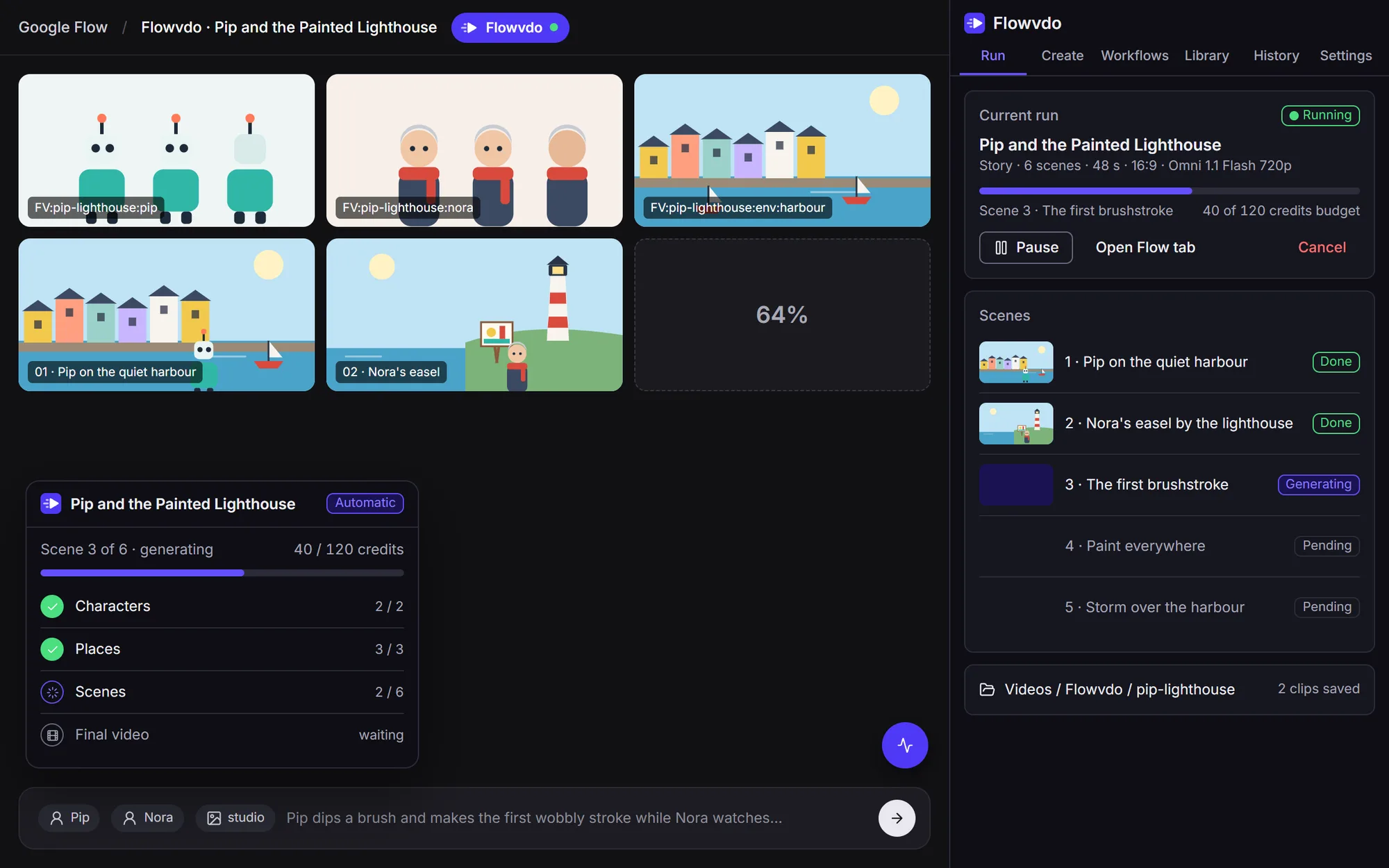
Open the side panel, the web app or the tracker from Flow itself. The floating tracker shows Characters, Places, Scenes and the Final video as they happen, with Retry, Skip and View in Flow on every step.
- Live state, the same as the side panel and the web app
- Desktop notification when the video is ready or needs you
- Alt+S opens the side panel, Alt+G starts or resumes the run
Pauses that tell you exactly what to do
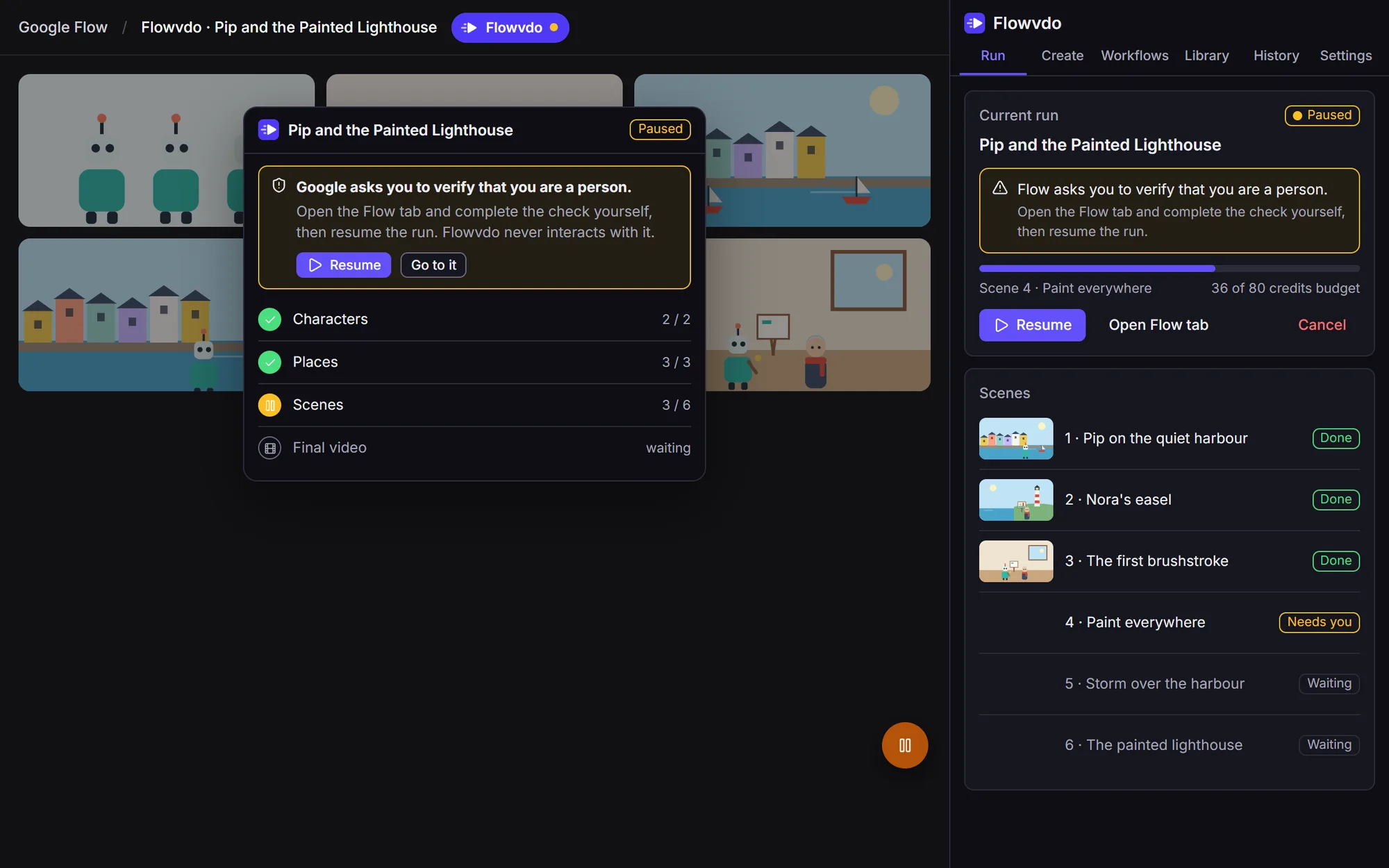
If Flow asks you to verify, you are signed out, credits run out, a daily model limit is reached or the next step would go over your budget, the run pauses with a plain explanation and the one thing to do next. Resume when you’re ready.
- “Open the Flow tab and complete the check yourself, then resume the run.”
- “Add credits in Google Flow, then resume the run.”
- “Resume tomorrow, or choose another model in Flowvdo.”
Automatic or Manual: your choice
Automatic
- Flowvdo presses Generate for you with one real click
- Uses Chrome’s debugger permission, only on the Flow tab it runs in, attached for that click and detached straight away
- Chrome shows a “started debugging this browser” notice while it clicks; the side panel explains it
Manual
- Flowvdo fills in the prompt, the settings and the references
- You check them and press Generate yourself
- For anyone who prefers to press every button
Built to work with Flow, not around it
Flowvdo acts only for you, in your own browser, on a run you started.
- Uses only Flow’s visible interface: no private endpoints, no reading your Google cookies or tokens
- One generation at a time, at least 5 seconds apart, in one Flow tab it opened
- Reads the credit cost Flow shows before every generation
- Stops on any verification or unusual-activity message and never interacts with it
- No tricks to look human, no watermark removal, no “faster API mode”
- Checks it can find every Flow control it needs before a run spends anything
Google Flow models and modes
| Mode | Models | Settings Flowvdo sets |
|---|---|---|
| Video · Ingredients | Omni 1.1 Flash, Veo 3.1 – Lite, Fast, Quality | Aspect 16:9 or 9:16, references attached, 1–4 outputs |
| Video · Frames | Video models that offer Frames | Start (and end) frame from the previous clip or a workflow |
| Omni 1.1 Flash options | Omni 1.1 Flash | 360p or 720p; 4, 6, 8 or 10 seconds |
| Image | Nano Banana Pro, Nano Banana 2 Lite, Nano Banana 2.1 | Aspect 16:9, 4:3, 1:1, 3:4, 9:16; 1–4 outputs |
Models and options are the ones Google Flow offered when we last checked; Flowvdo reads the live settings and cost from Flow on every step. Last checked 29 Oct 2026.
The extension, in detail
Flowvdo button in Flow
A Flowvdo button next to Flow's project title opens the side panel, the web app or the tracker.
Live tracker
A floating tracker shows characters, places, scenes and the final video, with Retry, Skip and View in Flow.
Working overlay
A light overlay stops a stray click from breaking a step; press Let me click when you need Flow.
Automatic submit
Flowvdo presses Generate for you with one real click, only in the Flow tab it runs in.
Manual submit
Flowvdo fills in the prompt, settings and references; you check them and press Generate.
Its own Flow tab
Runs in one Flow tab it opened; your other Flow tabs are left alone.
One at a time
One generation at a time, at least 5 seconds apart. No tricks to look human.
Live progress everywhere
The same live run state in the web app, the side panel and the tracker inside Flow.
Keyboard shortcuts
Alt+S opens the side panel; Alt+G starts or resumes the run.
The extension is in every plan. The Free plan gives you 1 active project, 2 runs a month, up to 4 scenes and 30 s per video; Creator and Storyteller raise those limits. Your Google Flow credits stay your own on every plan.
Compare plansQuestions, answered
Is automating Google Flow allowed?
Why does Chrome say “Flowvdo started debugging this browser”?
Which browsers does it work in?
Can I use Flow while a run is going?
What happens when Flow changes its interface?
Do I need a paid Google plan?
Make your first story video
The Free plan makes one short video from start to finish, so you can see the whole pipeline before you pay.
Flowvdo uses your own Google Flow account and credits, and your own AI provider key. Not affiliated with Google.