The same characters in every scene.
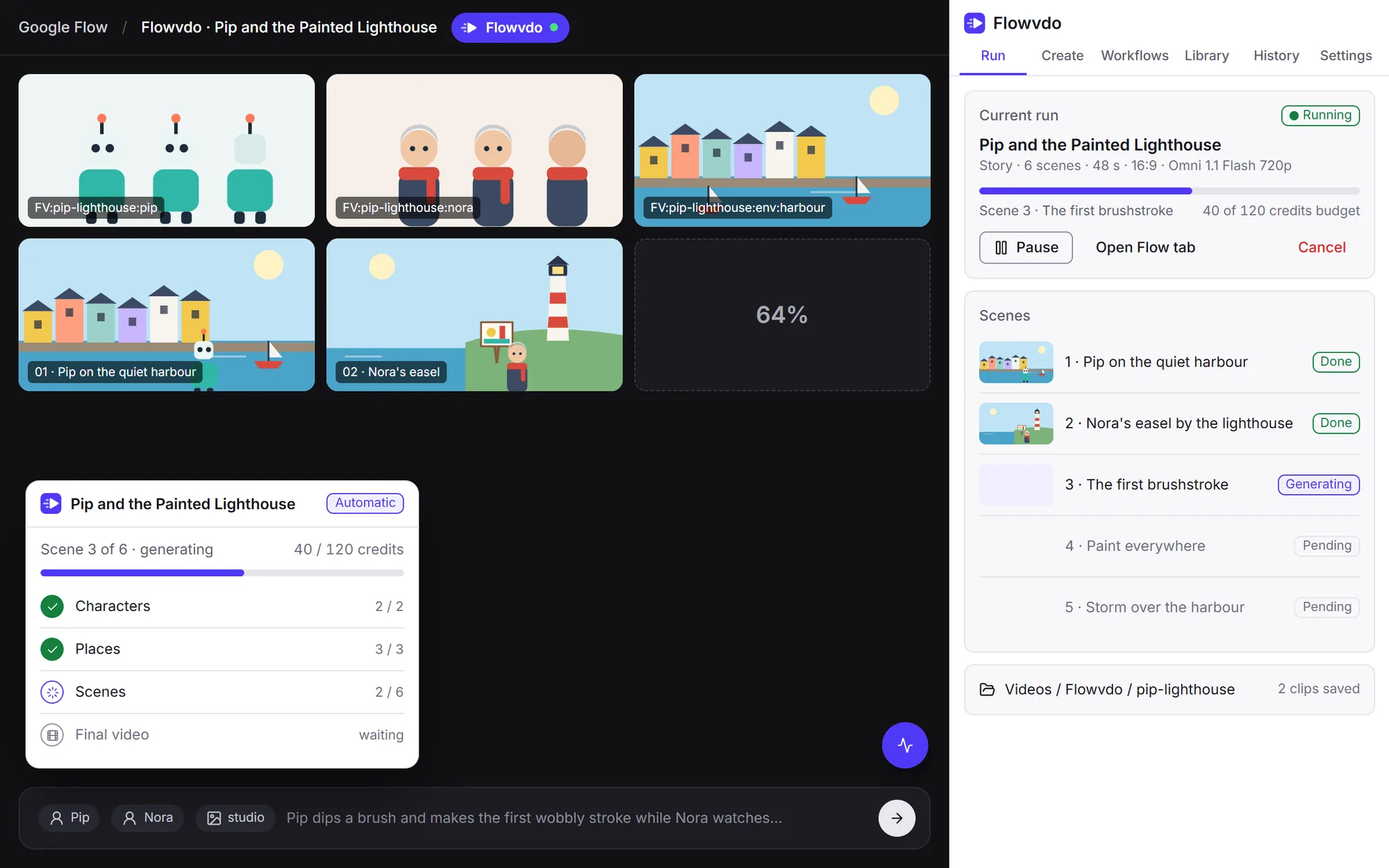
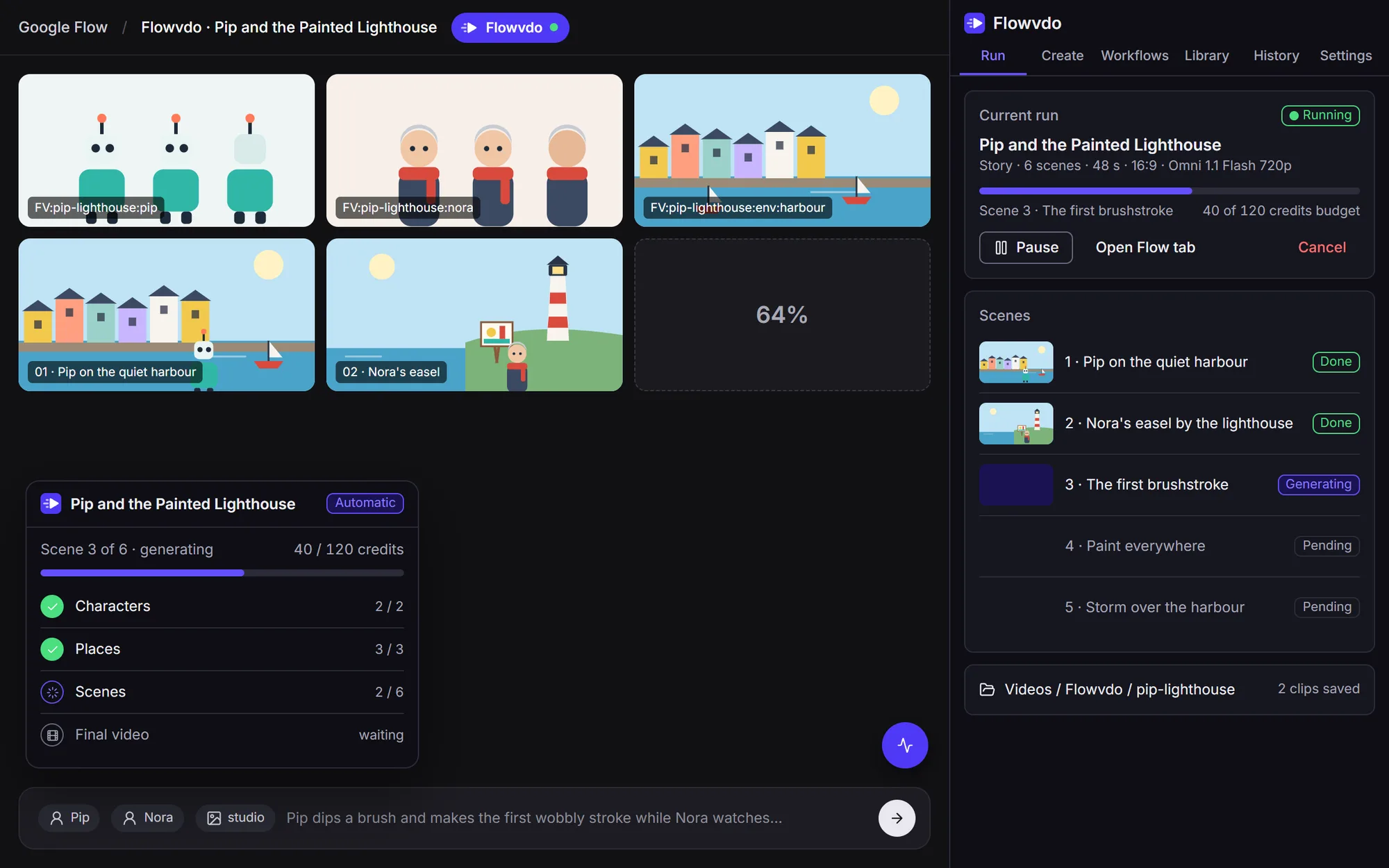
Flowvdo creates a reference sheet for each character and an establishing shot for each place, attaches them to every scene they appear in, and repeats each character’s locked traits in every prompt. Scenes can even start from the last frame of the one before.
Flowvdo uses your own Google Flow account and credits, and your own AI provider key. Not affiliated with Google.
Why characters drift
My hero has a red scarf in one scene and a blue one in the next.
Every prompt describes her slightly differently, so Flow draws her differently.
I keep uploading the same reference picture to every single scene.
The cut from scene three to four jumps: different light, different street.
Consistency is a method, not luck
A reference sheet per character, an establishing shot per place
Before any scene, Flowvdo generates a front, side and back reference sheet for every character and a wide establishing shot for every place, in Google Flow. Each is named FV:<project>:<key> so it can be found again, and attached as an Ingredient to every scene it belongs in.
- Generated with an image model under a 0-credit cap: if Flow shows a cost, the run pauses instead
- Reused across every scene
- Saved to your folder under references/
The words that never change
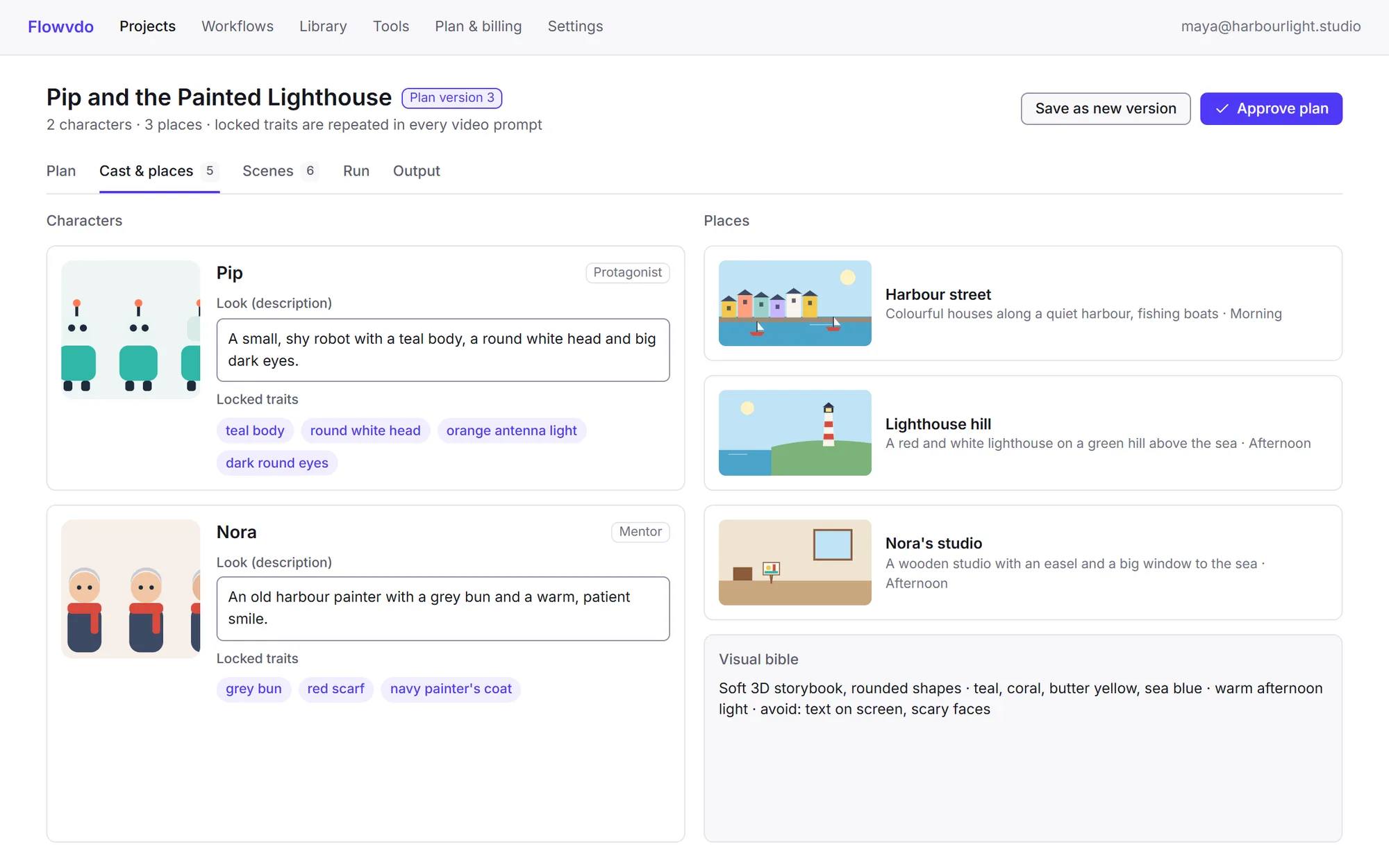
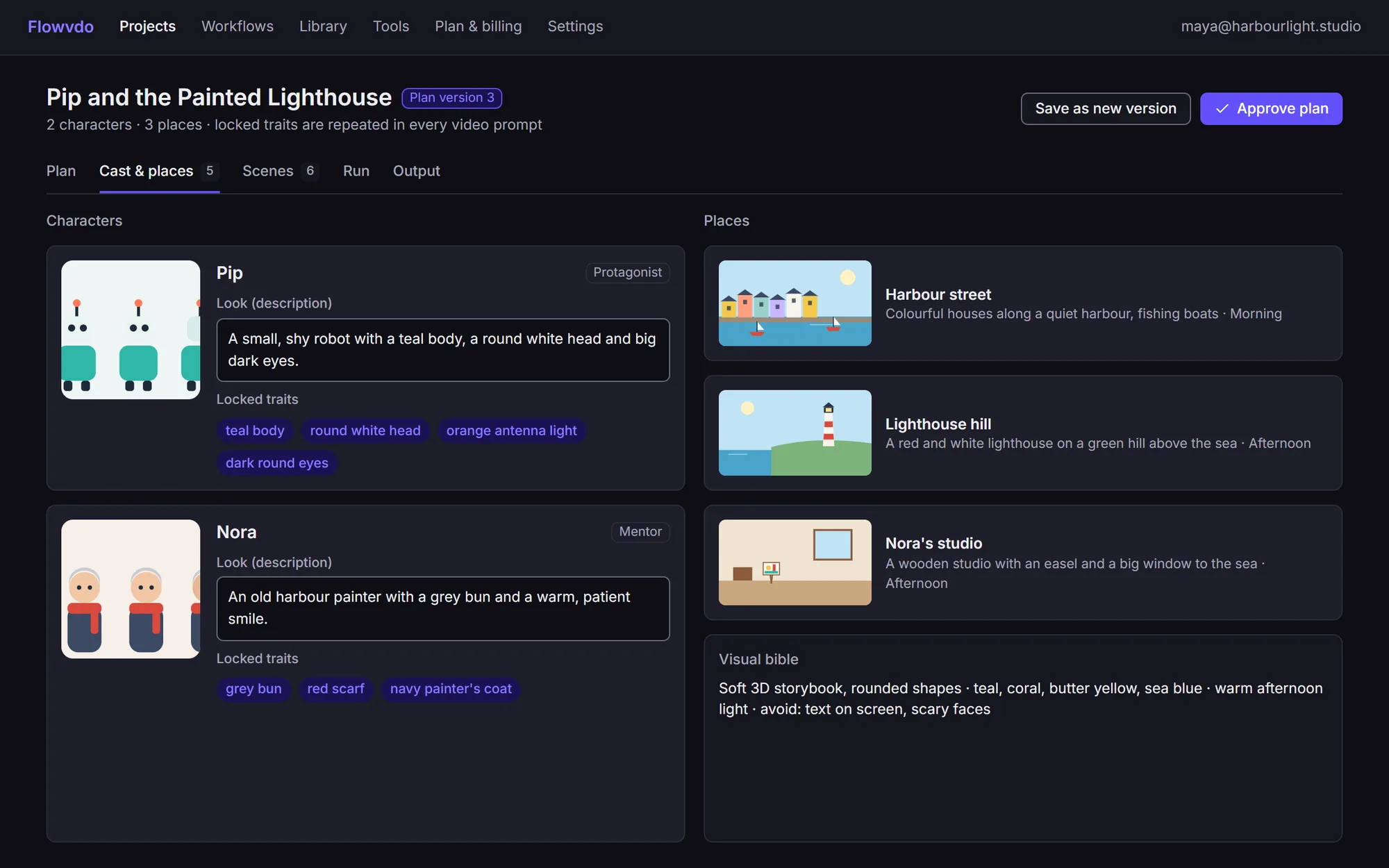
Each character has locked traits, such as “teal robot, round head, orange antenna light” or “grey bun, red scarf”. The planner repeats them, and the story’s style line, in every video prompt.
- Edit locked traits in Cast & places
- One visual bible: style, palette, lighting, what to avoid
- The style line leads every video prompt
Scenes that flow into each other
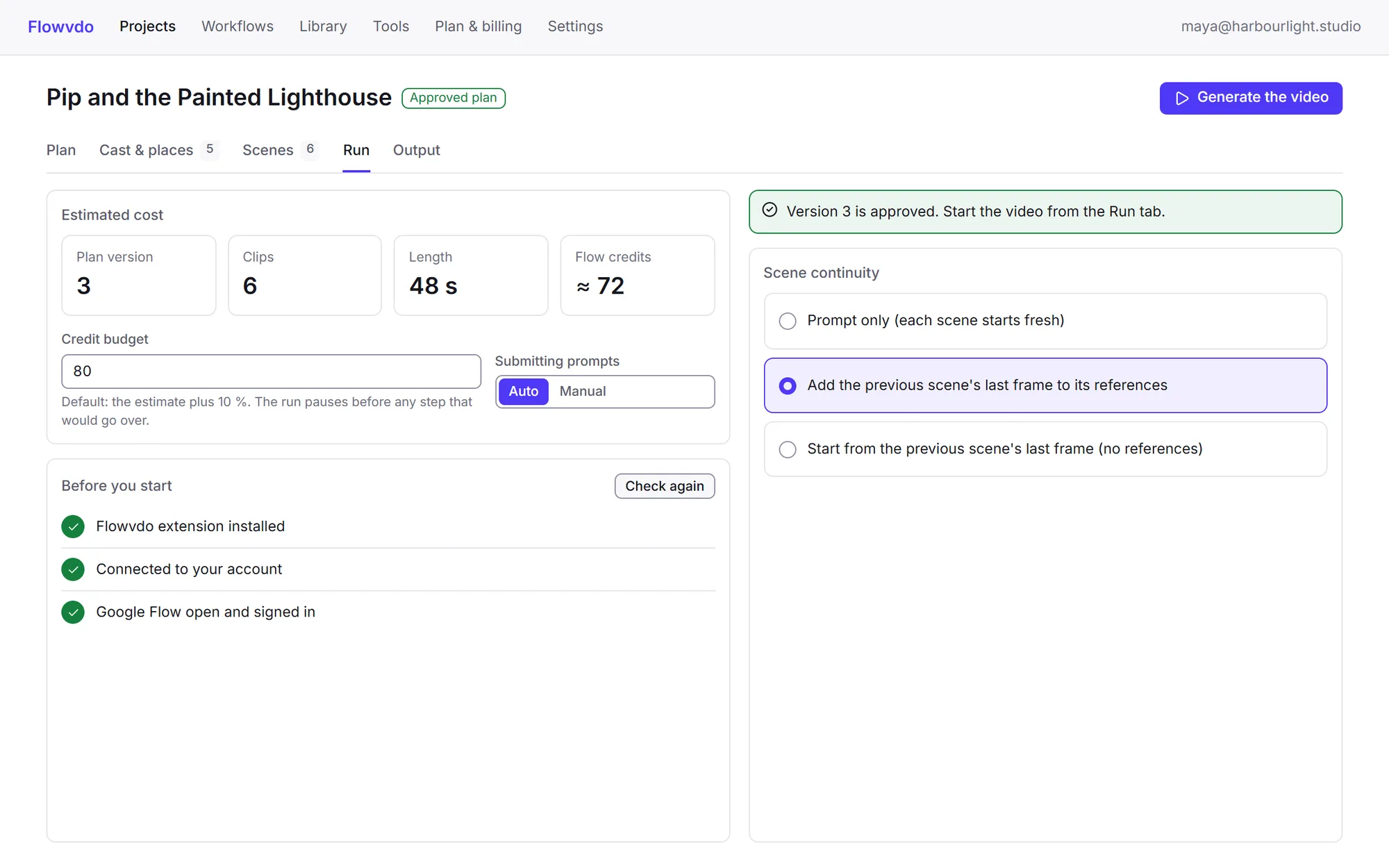
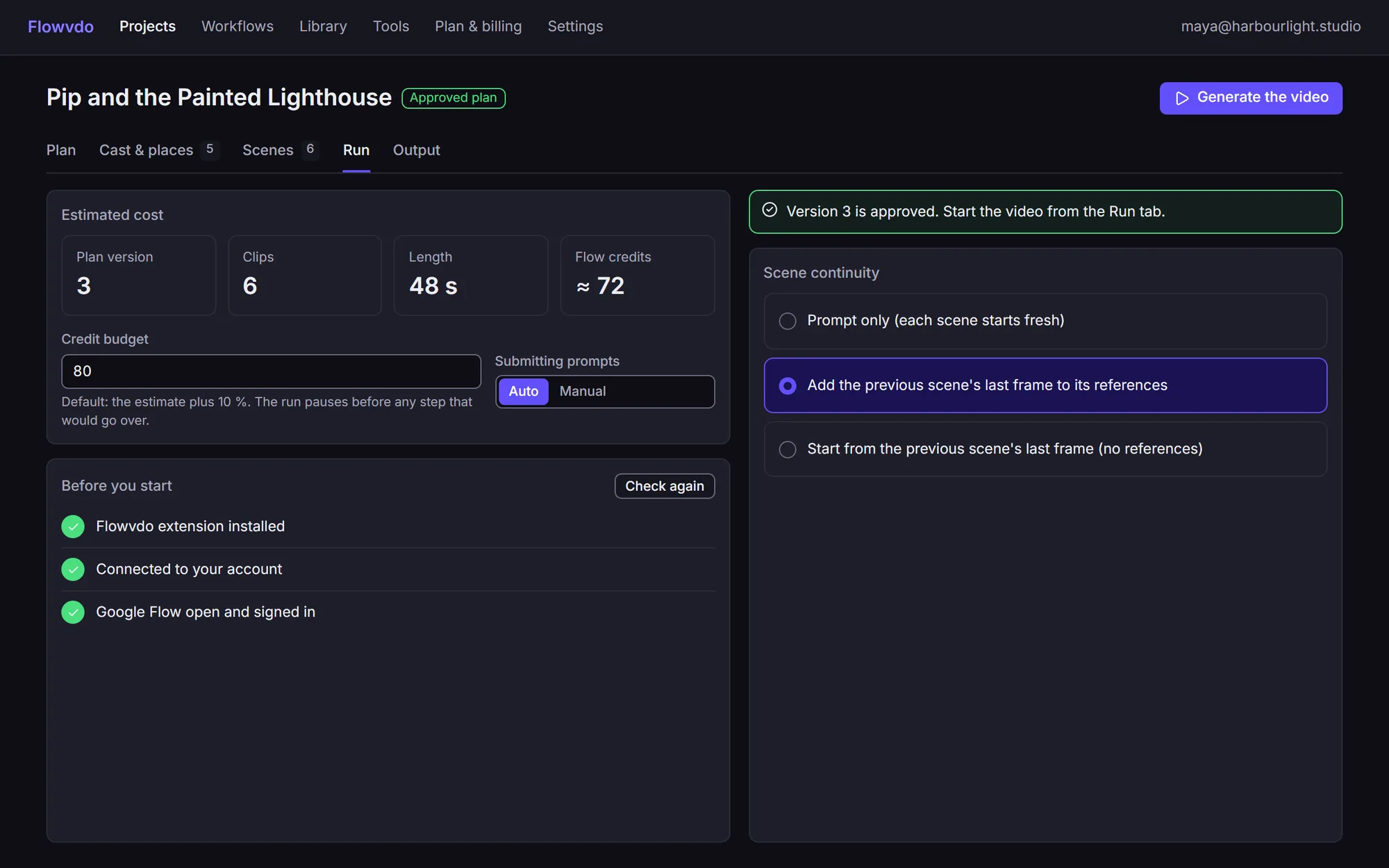
Choose how scenes connect: each scene starts fresh, gets the previous scene’s last frame as an extra reference, or starts from that last frame. Flowvdo extracts the frame on your computer and fills Google Flow’s frame slot for you.
- “Prompt only (each scene starts fresh)”
- “Add the previous scene’s last frame to its references”
- “Start from the previous scene’s last frame (no references)”
An AI read-through before you spend a credit
The last planning step reads the whole plan and lists problems. Nothing changes until you apply a fix.
- An outfit or colour that contradicts a locked trait
- A scene that uses a character or place without its reference
- A time-of-day jump between scenes in the same place
- Suggestions you can apply or ignore
Everything that keeps your cast consistent
Reference sheets and establishing shots
A reference sheet for each character and an establishing shot for each place, generated in Flow and attached to every scene they appear in.
Locked traits and visual bible
Each character's locked traits and the story's style line are repeated in every video prompt.
Cast & places
Edit each character's look and locked traits and each place's description and time of day.
Last-frame chaining
A scene can start from, or reference, the last frame of the scene before it.
Continuity check
AI flags outfit drift, missing references and time-of-day jumps; nothing changes until you apply a fix.
Your own reference pictures
In batches and workflows, attach your own pictures from the library with @mentions.
Character and place consistency is in every plan. The Free plan gives you 1 active project, 2 runs a month, up to 4 scenes and 30 s per video; Creator and Storyteller raise those limits. Your Google Flow credits stay your own on every plan.
Compare plansQuestions, answered
Is every scene guaranteed to look the same?
Does Flowvdo use Google Flow’s own Characters feature?
Can I use my own character pictures?
What does last-frame chaining cost?
Do references use Flow credits?
Make your first story video
The Free plan makes one short video from start to finish, so you can see the whole pipeline before you pay.
Flowvdo uses your own Google Flow account and credits, and your own AI provider key. Not affiliated with Google.