Wire AI steps and Flow generations into workflows.
Drag nodes onto a canvas, connect their typed ports, and run. A workflow can write prompts with AI, generate images and videos in Google Flow, pass last frames along, make angles and effects, and assemble a final video.
Flowvdo uses your own Google Flow account and credits, and your own AI provider key. Not affiliated with Google.
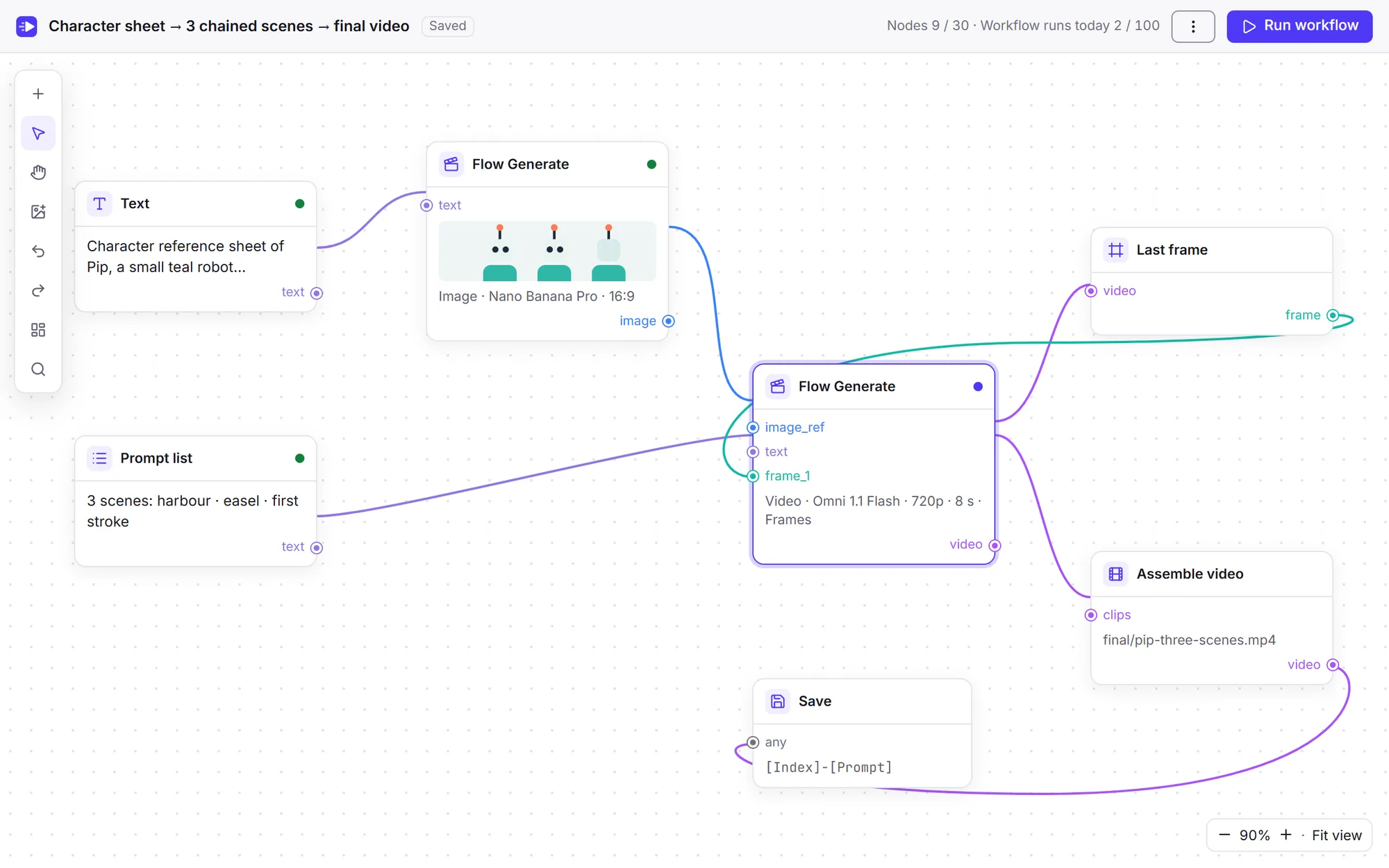
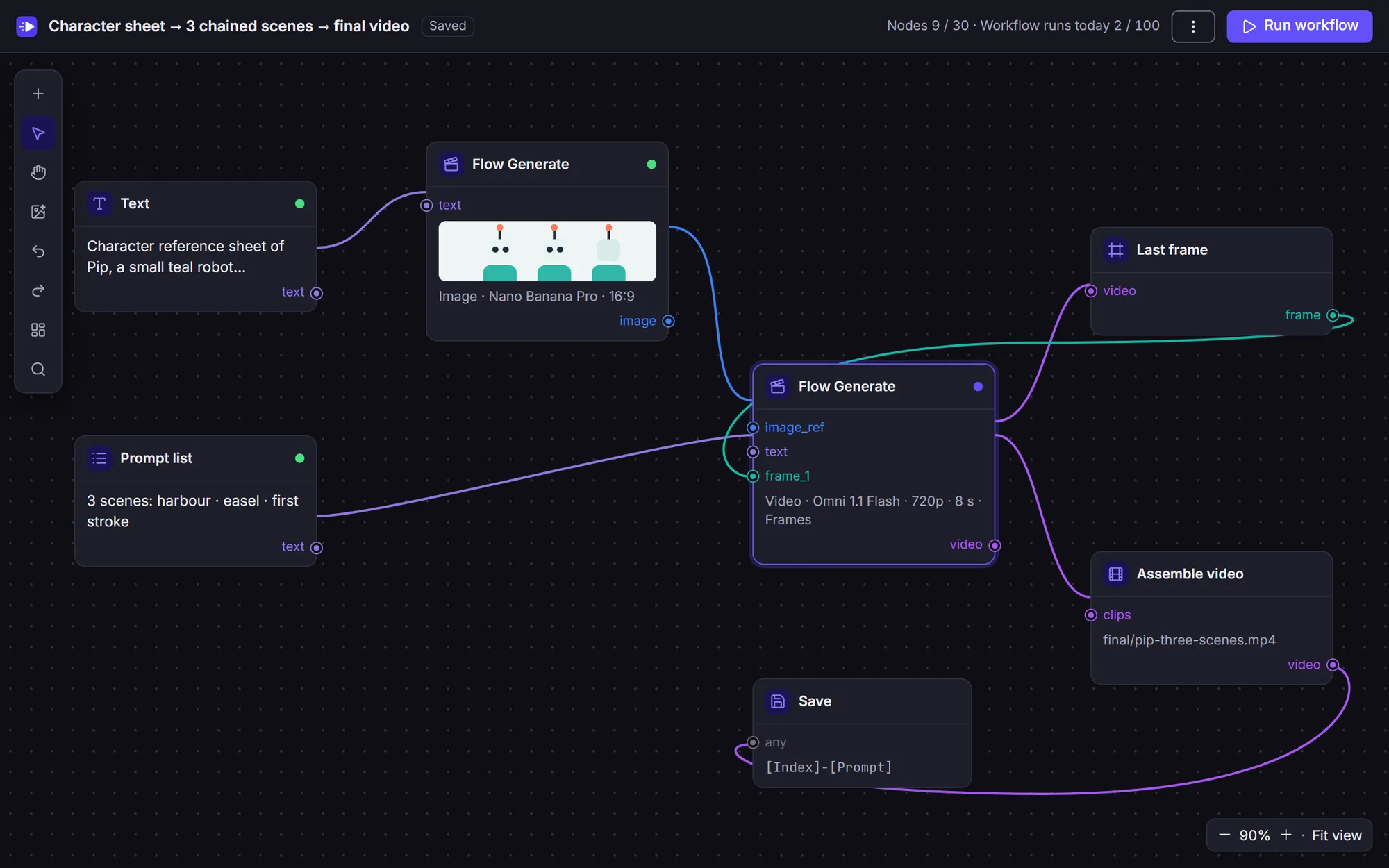
A real node editor, in its own window
Typed ports, so only valid connections fit
Text, image, video, frame and “any” ports are colour-coded. Add nodes from the palette or by double-clicking the canvas, arrange them automatically, find a node by name, and undo anything.
- Opens in its own window from the extension, or as a page in the web app
- Export and import as JSON; capture the canvas as an image
- Run a single node to test it
The nodes
| Group | Nodes | What they do |
|---|---|---|
| Inputs | Text, Prompt list, Image | Static prompts, a list to fan out over, a picture to use as a reference |
| AI | AI Agent | Enhance a prompt, write N prompts, translate, describe an image (vision models) or follow your own instruction, with your AI key |
| Google Flow | Flow Generate, Last frame, Angles, Effects | Generate images or videos; take a clip’s last frame; six camera angles; eight styles from cinematic to claymation |
| Logic | Text Extract, Condition, Merge, Wait | Pull text out by marker, JSON path or regex; branch; join; wait up to 60 minutes |
| Output | Assemble video, Save, Output, Note | Join clips into one video, save files by template, mark results, leave notes |
Start from a working workflow
Image → Video
Bring a picture to life as a video clip.
Product photo → 4 angles → video each
One product photo becomes four angles, and each angle a short video.
Character sheet → 3 chained scenes → final video
A character sheet, three scenes chained by last frames, joined into one video.
Prompt list → images
A list of prompts into a set of images.
Idea → AI writes 5 prompts → images
Your AI writes five prompts from one idea, then Flow makes them.
Workflows inherit every safeguard
A workflow is compiled into the same runs engine as stories and batches. That means budgets, the cost read before every generation, pauses that explain themselves and recovery that never generates a result twice. Logic nodes run on the server; Flow and AI nodes run in your extension.
Safe runsWorkflow Builder, in detail
Workflow Editor
A node editor in its own window and on the web, with undo, auto-arrange, capture and JSON import/export.
16 node types
Inputs, AI Agent, Flow Generate, Last frame, Angles, Effects, logic, Assemble video and outputs.
Templates
Five ready workflows, from Image → Video to Character sheet → 3 chained scenes → final video.
Same safe engine
Workflows run with the same budgets, pauses and recovery as stories and batches.
Start and end frames
Fill Google Flow's Start and End frame slots from chained scenes and workflow nodes.
Angles and Effects
Turn one picture into front, side, back and other angles, or restyle it as watercolour, claymation and more.
Describe an image
The AI Agent can describe a picture when your provider and model can see images (OpenAI, Anthropic, Gemini, OpenRouter or compatible vision models; not Revoye).
The Workflow Builder is in every plan. The Free plan gives you 1 active project, 2 runs a month, up to 4 scenes and 30 s per video; Creator and Storyteller raise those limits. Your Google Flow credits stay your own on every plan.
Compare plansQuestions, answered
Do I need to know how to code?
How big can a workflow be?
Can the AI Agent node look at images?
Where do workflow results go?
Make your first story video
The Free plan makes one short video from start to finish, so you can see the whole pipeline before you pay.
Flowvdo uses your own Google Flow account and credits, and your own AI provider key. Not affiliated with Google.