Plan with the AI you choose, on your own key.
Flowvdo’s planner and AI Agent node run on the provider you connect in the extension. You pay that provider for what you use, Flowvdo never sees the key, and there are no AI credits to buy.
Flowvdo uses your own Google Flow account and credits, and your own AI provider key. Not affiliated with Google.
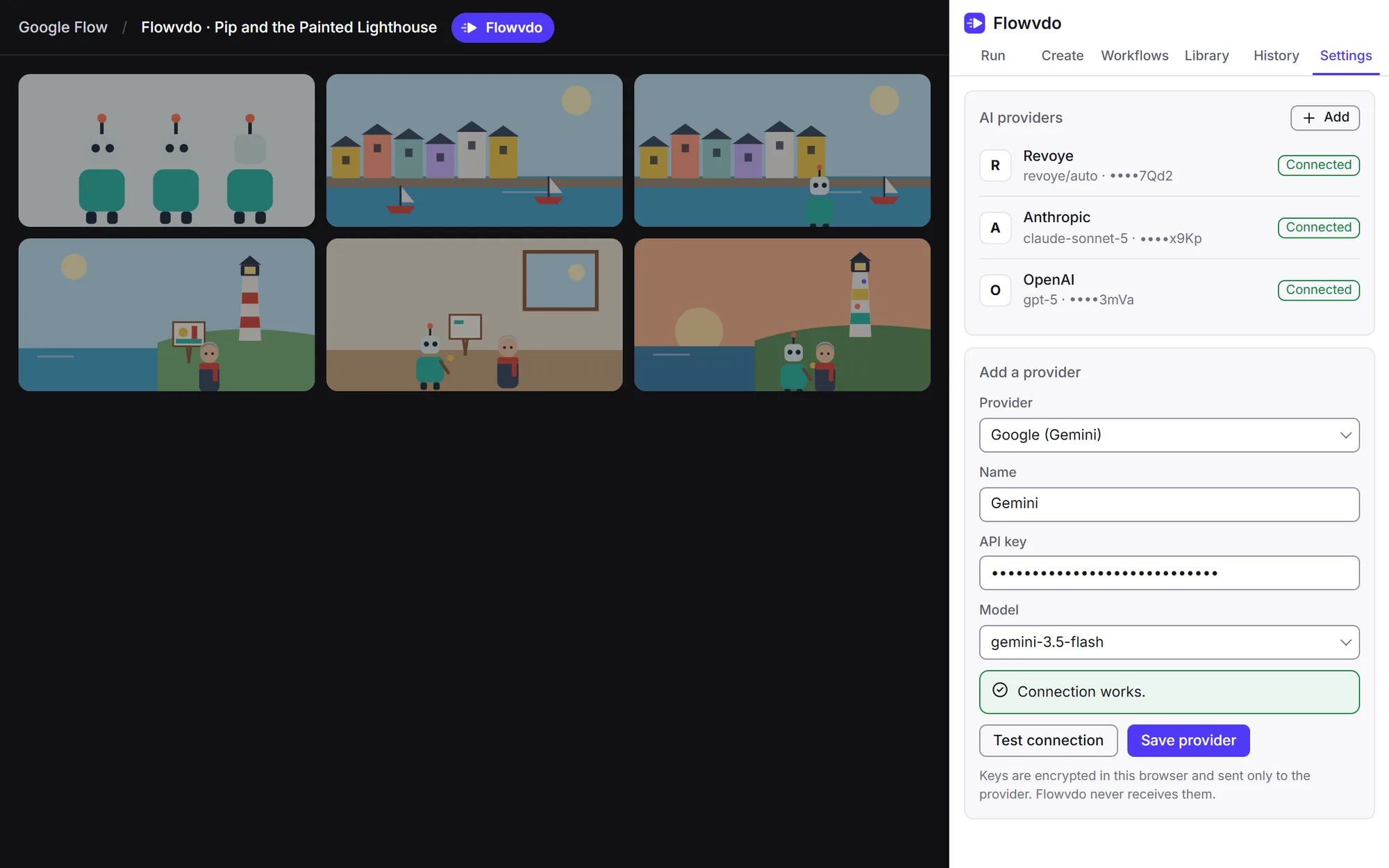
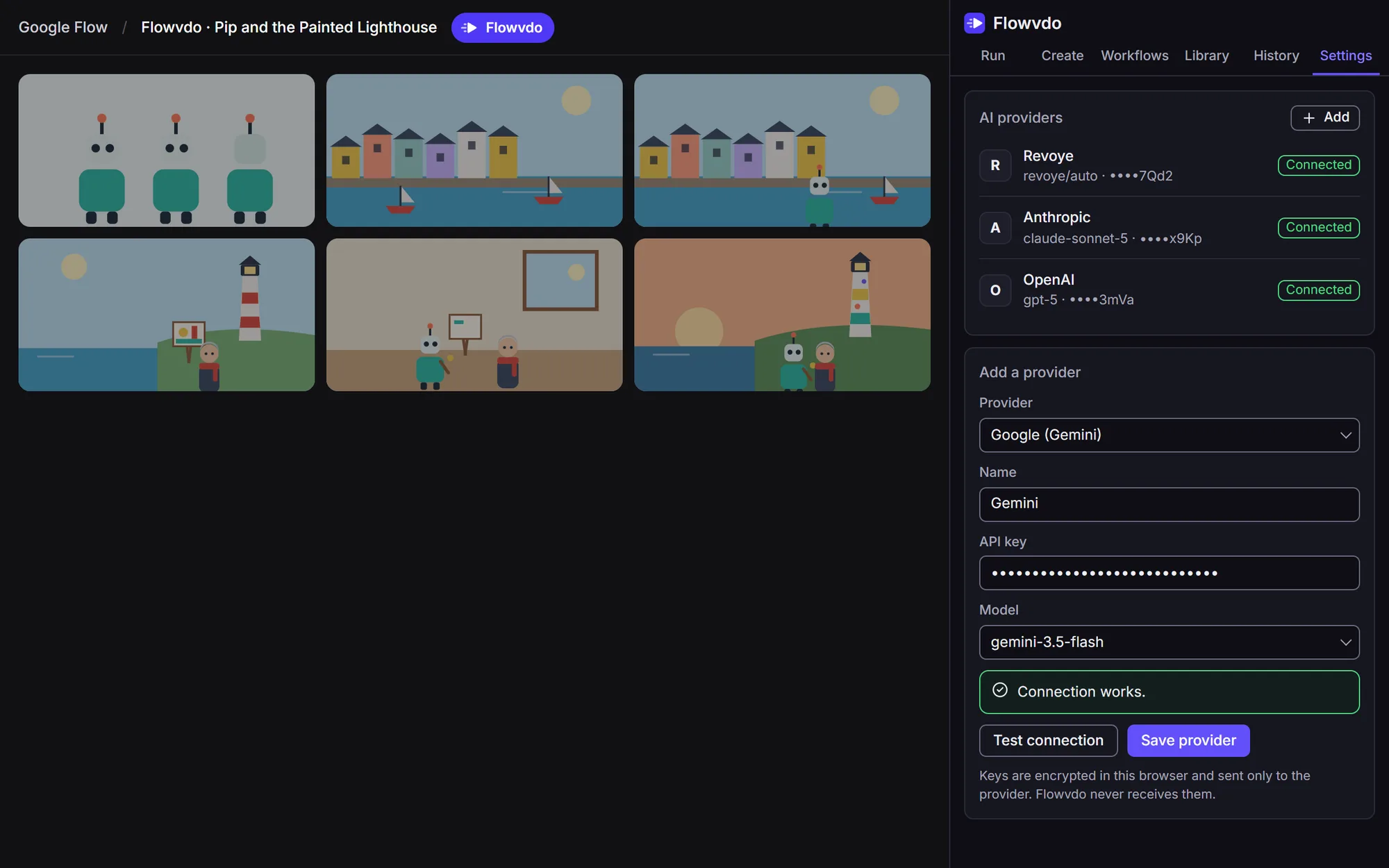
Six kinds of provider, seven presets
Add as many providers as you like and test each connection before saving. Model lists are read from the provider.
AI providers
OpenAI-compatible presets
Where Flowvdo runs
Keys never leave your browser
- Stored encrypted in the extension (AES-256-GCM with a key the browser cannot export)
- Only the extension’s background worker decrypts a key, only for the request it’s making
- Requests go straight from your browser to the provider; Flowvdo’s server never sees them
- Never synced through your Google account; removed when you uninstall the extension
- A custom endpoint asks for permission for that one address only
What uses your AI provider
Four-step AI plan
Outline, scenes, a Google Flow prompt for every scene and a continuity check, each a separate AI step.
Refine with AI
Shorter, Longer, Funnier, More dramatic, Simpler dialogue, or your own instruction.
Continuity check
AI flags outfit drift, missing references and time-of-day jumps; nothing changes until you apply a fix.
AI Agent node
In workflows: enhance a prompt, write prompts, translate, describe an image, or follow your instruction.
Image → Prompt
Right-click any picture on the web and choose Describe image as a prompt; your AI provider writes it, ready to add to a batch.
Write prompts with AI
Give an idea and a number; your AI provider writes the prompts straight into the batch.
Your own AI key
Revoye, OpenAI, Anthropic, Google Gemini, OpenRouter or any OpenAI-compatible endpoint, tested before you save.
Keys stay in your browser
Keys are encrypted in the extension (AES-256-GCM, non-extractable key) and never sent to Flowvdo.
Bring your own AI key is in every plan. The Free plan gives you 1 active project, 2 runs a month, up to 4 scenes and 30 s per video; Creator and Storyteller raise those limits. Your Google Flow credits stay your own on every plan.
Compare plansQuestions, answered
Which provider should I start with?
Can I use a local model?
Does Flowvdo charge for AI?
What is Revoye?
Make your first story video
The Free plan makes one short video from start to finish, so you can see the whole pipeline before you pay.
Flowvdo uses your own Google Flow account and credits, and your own AI provider key. Not affiliated with Google.