Runs that protect your credits.
Every generation in Google Flow costs credits. Flowvdo shows the estimate first, reads the real cost before each step, holds the run to your budget, and recovers from closed tabs and restarts without generating anything twice.
Flowvdo uses your own Google Flow account and credits, and your own AI provider key. Not affiliated with Google.
What goes wrong with automation
A mode switch failed silently and I paid for a video I didn’t want.
The extension got stuck overnight and I lost the whole queue.
It retried a broken download by generating the clip again.
Google asked me to verify and the tool just kept clicking.
Four checks on every run
- 01
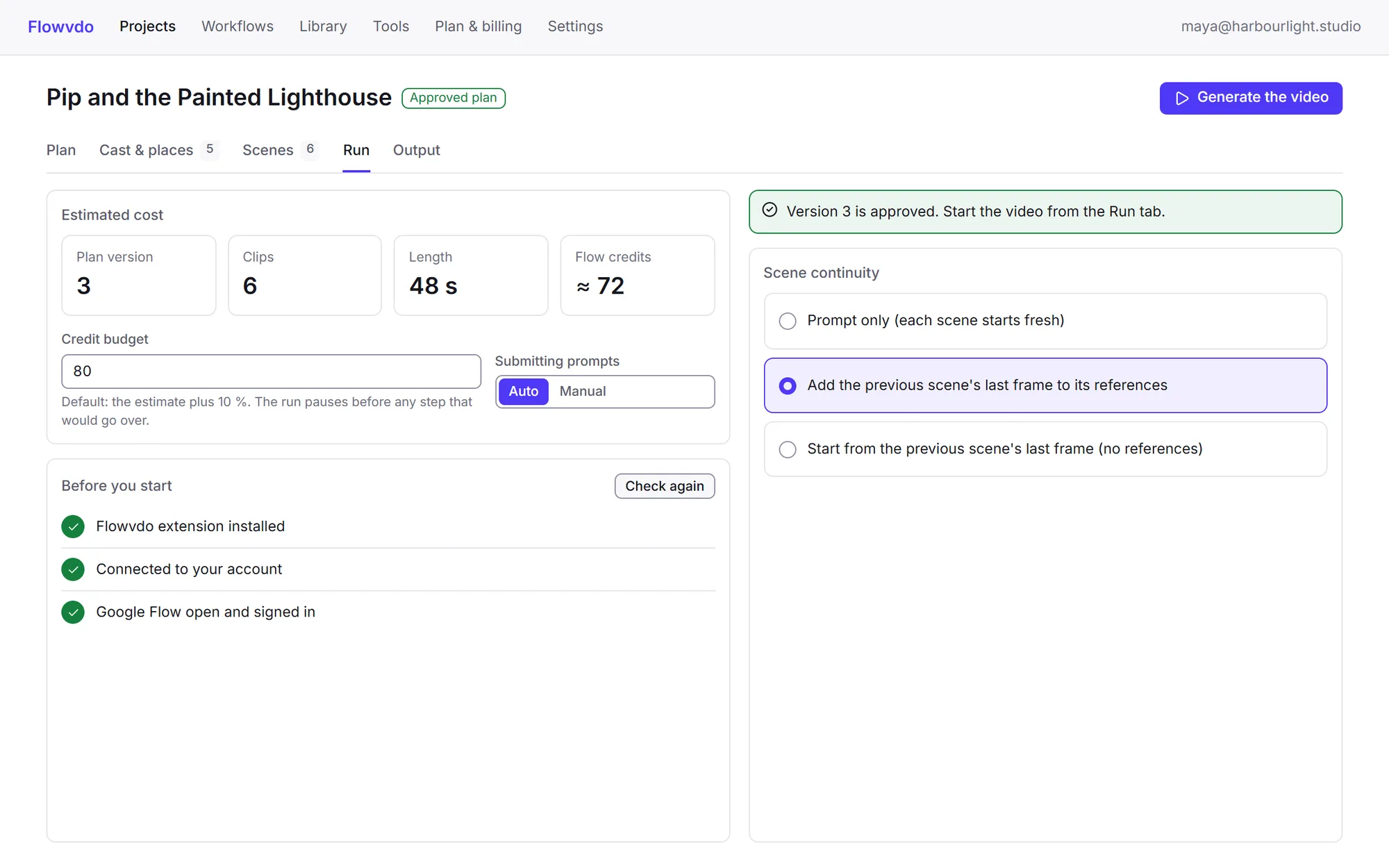
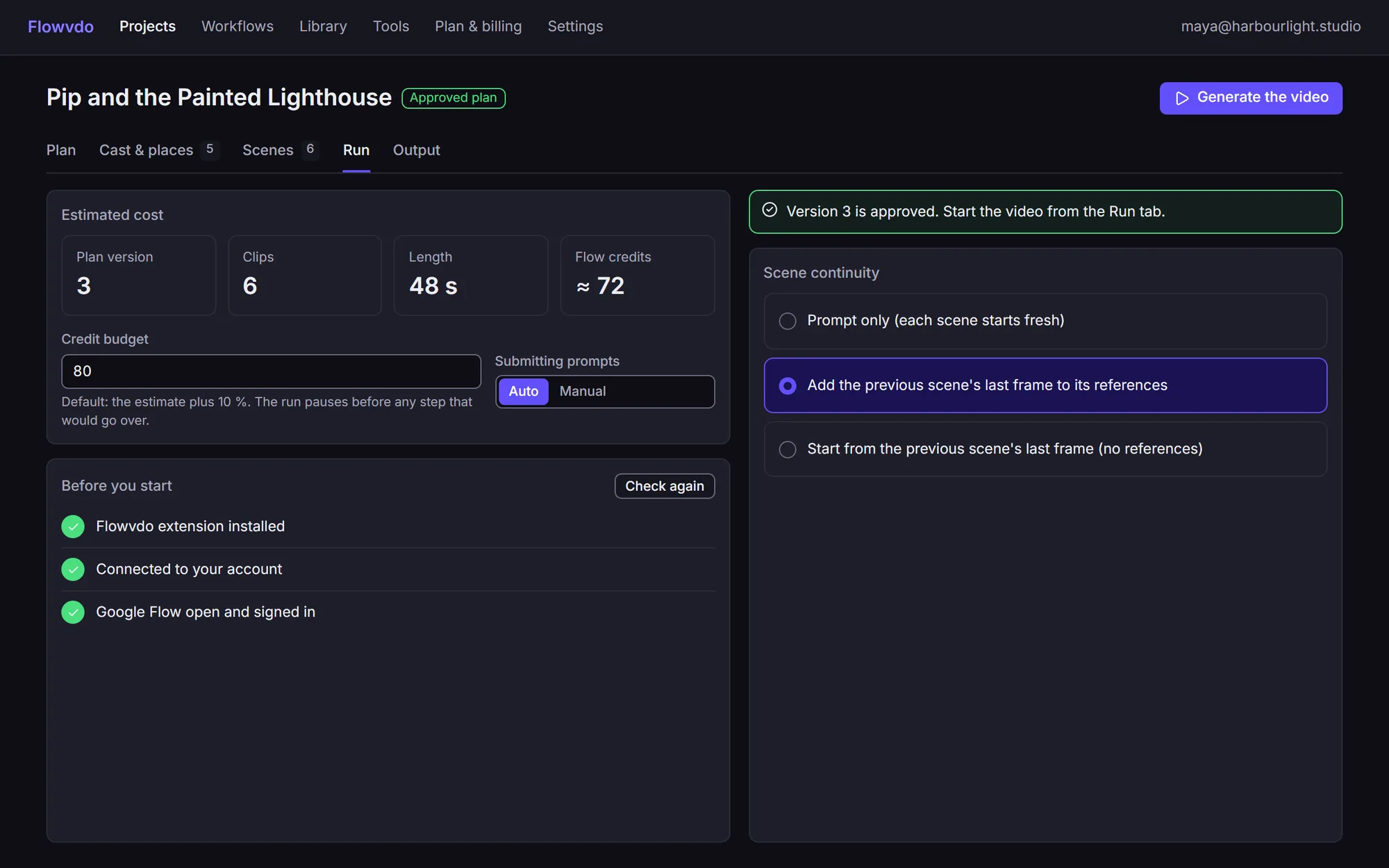
Before you start
The extension is installed, your account is connected, and Google Flow is open and signed in.
- 02
Estimate and budget
Clips, length and estimated credits are shown; the budget defaults to the estimate plus 10 %, and you can change it.
- 03
Health check
Flowvdo confirms it can find every Flow control it needs. If Flow changed, the run stops before spending.
- 04
Cost read every step
Settings are read back after they are set, and the cost Flow shows is checked against the budget before every generation.
It pauses, explains, and waits
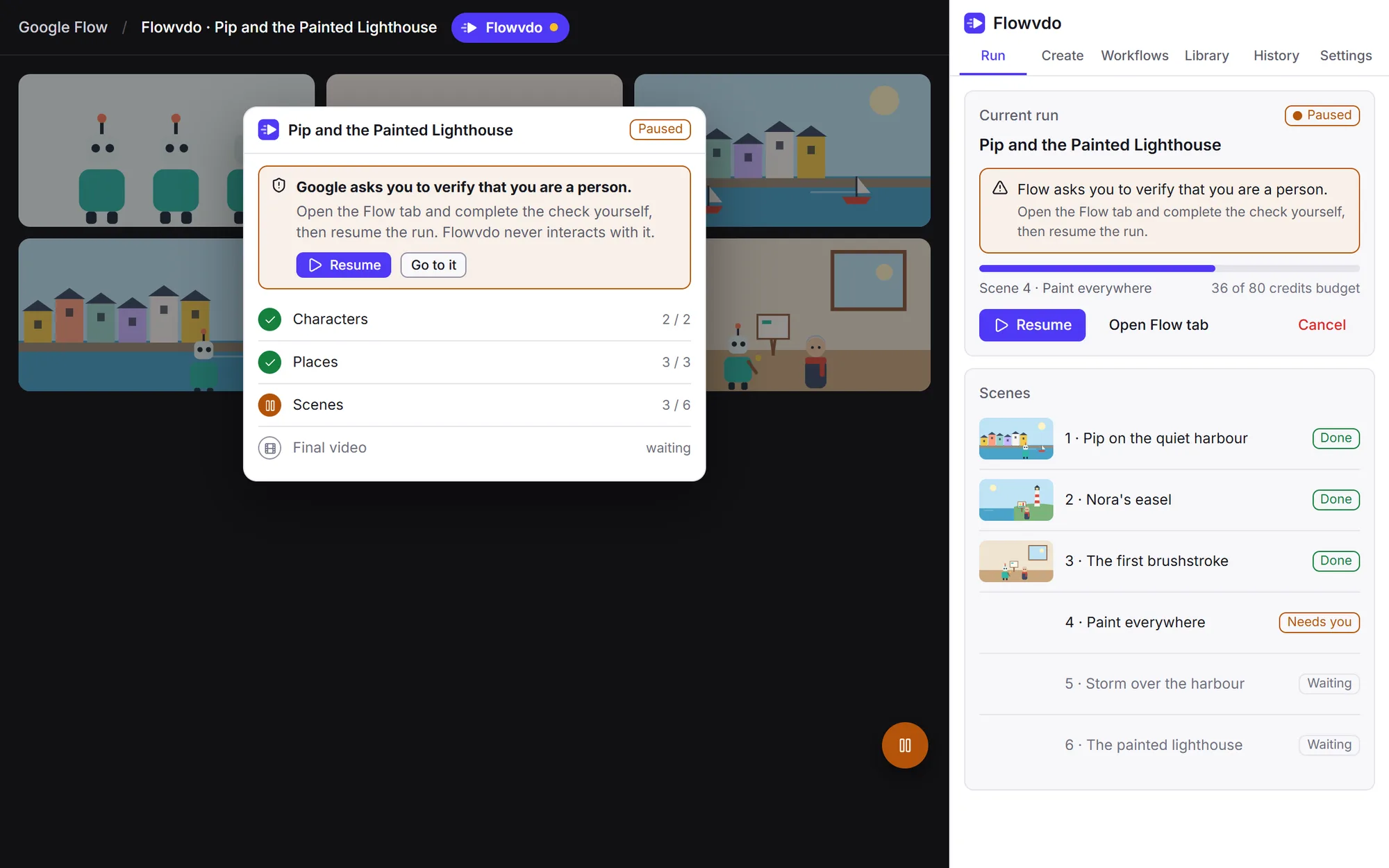
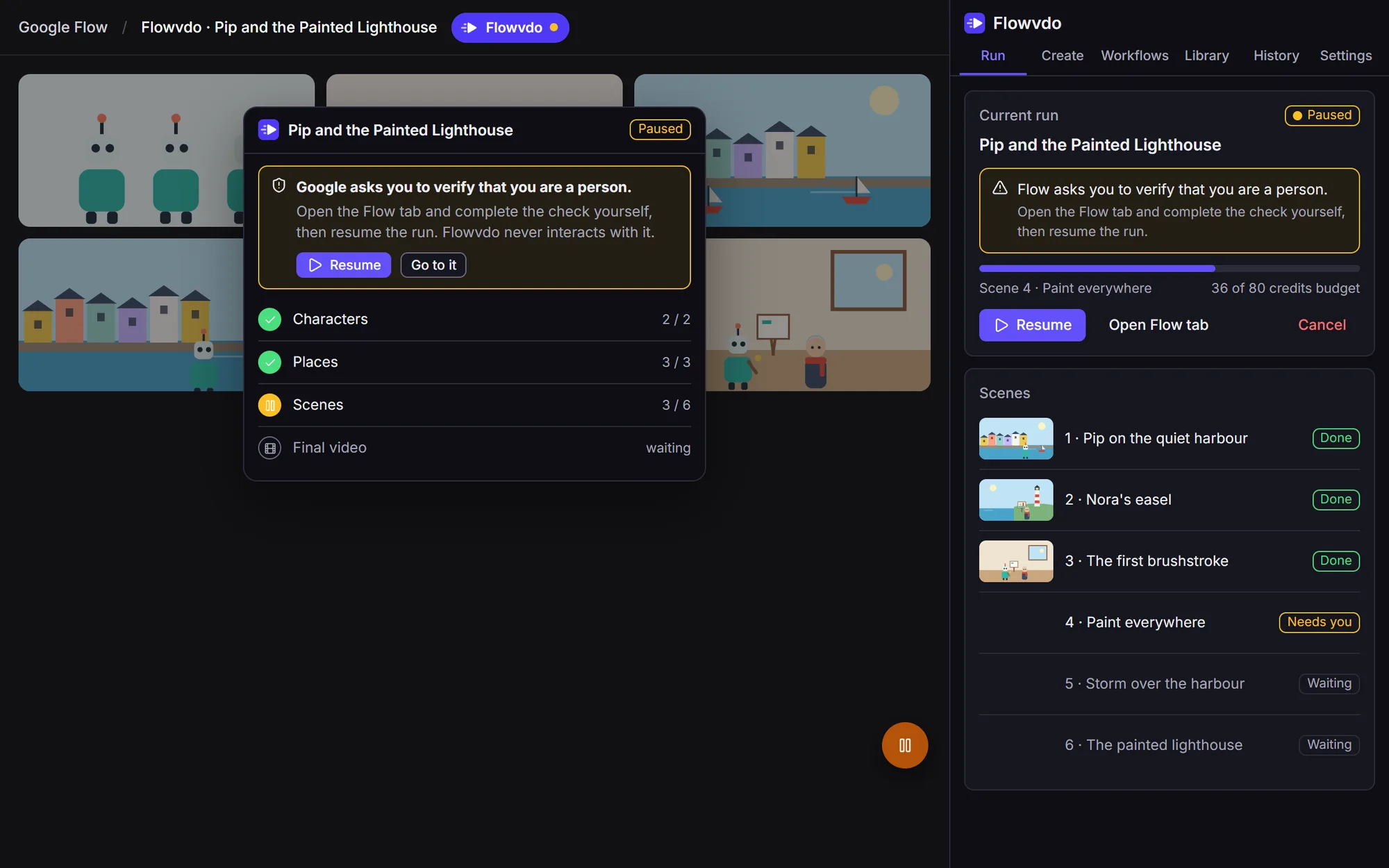
Every pause says what happened and what to do
Out of credits, a daily model limit, a verification request, being signed out, the budget reached, Flow not reachable: each has its own pause with a plain sentence and one next step. Resume when you’re ready.
- “Your Flow credits ran out.” → Add credits in Google Flow, then resume
- “Flow’s daily limit for this model is reached.” → Resume tomorrow, or choose another model
- “The next step would go over this run’s credit budget.” → Raise the budget, then resume
Close the browser. Nothing is paid for twice.
Run state lives in your account, not the tab. After a restart the extension picks up the next step. If a scene was already submitted, it looks for the finished clip in Flow instead of generating it again. A failed download is retried as a download.
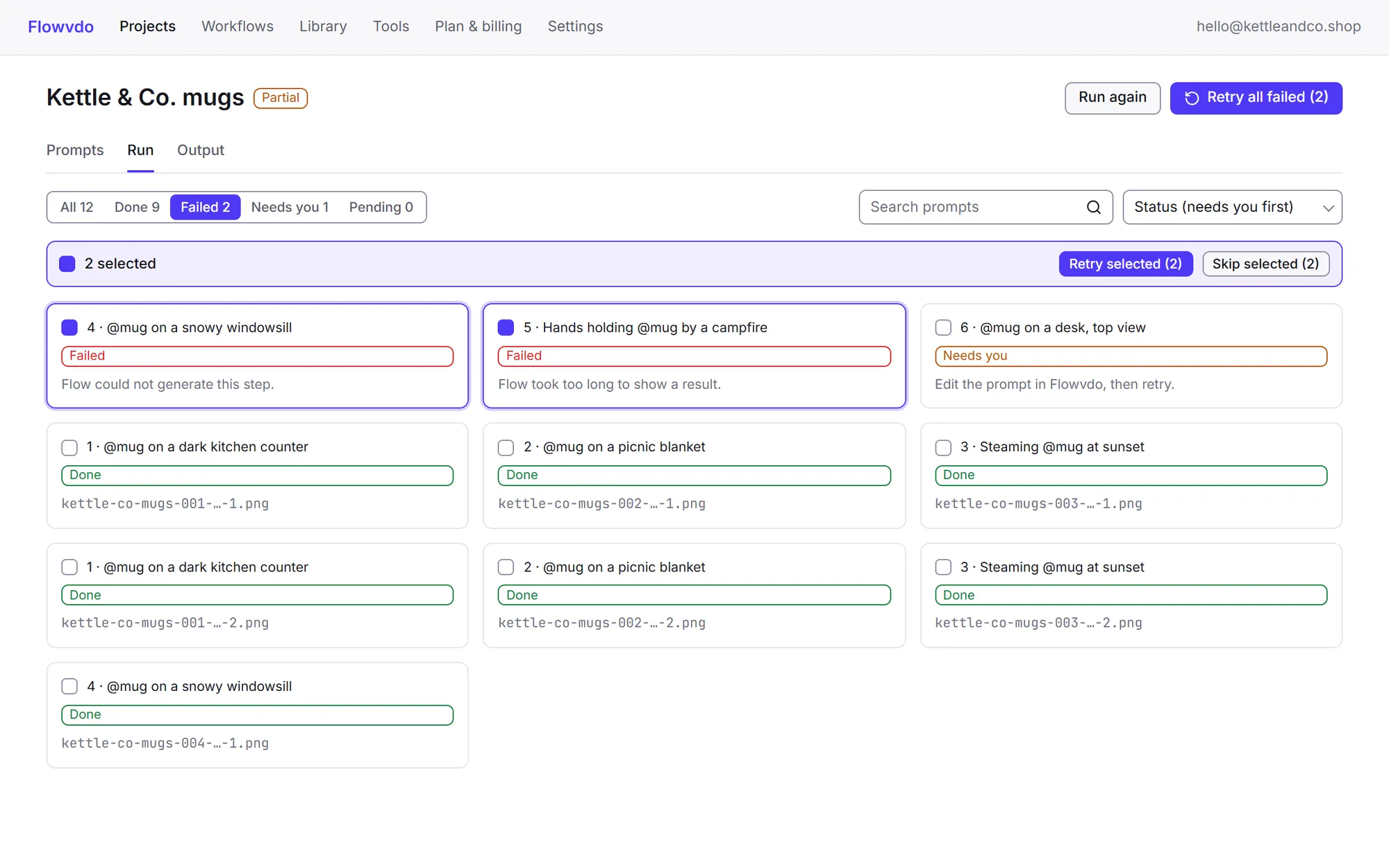
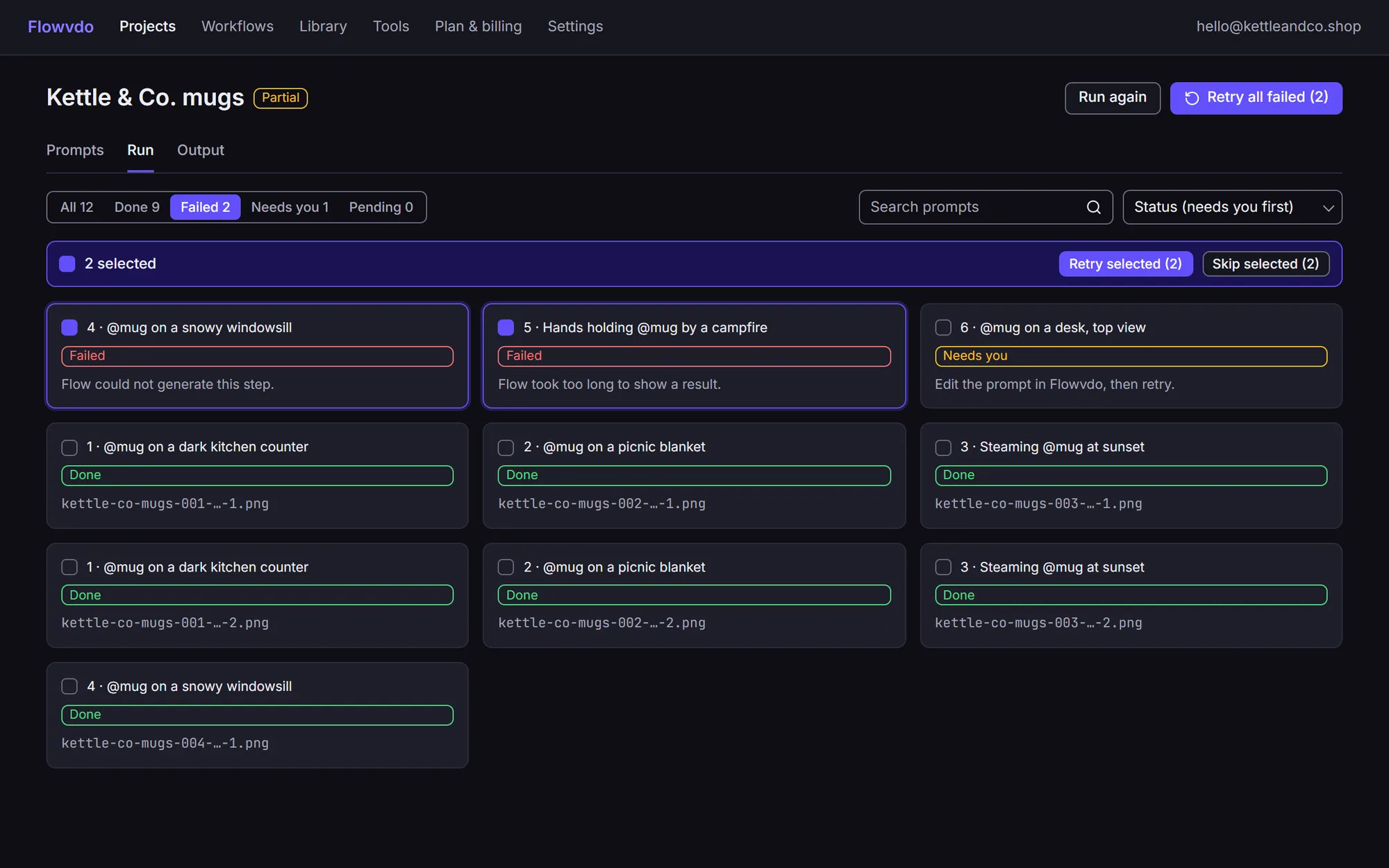
- Retry or skip one step, or many at once
- Three tries per step, then it asks you
- After three failures in a row, the run pauses rather than burn credits
Safeguards, in detail
Credit estimate
See the number of clips, the length and the estimated Flow credits before you run.
Credit budget
Every run has a credit budget (by default the estimate plus 10 %); it pauses before any step that would go over.
Checked settings and cost
Settings are read back after they are set, and the credit cost Flow shows is read before every generation.
Before you start
A checklist confirms the extension, your account and a signed-in Flow tab before anything is spent.
Pauses that explain themselves
If Flow asks you to verify, signs you out, runs out of credits or hits its daily limit, the run pauses and tells you what to do. It never touches Google's checks.
No double spending
After a restart Flowvdo finds the finished clip instead of generating it again; a failed download is retried, never regenerated.
Retry and skip
Retry or skip one step, retry all failed, or act on many at once.
Pause, resume, cancel
Pause and resume any time; cancel keeps every finished file.
Notifications
A desktop notification when your video is ready or needs you, and an optional email.
Every safeguard is in every plan. The Free plan gives you 1 active project, 2 runs a month, up to 4 scenes and 30 s per video; Creator and Storyteller raise those limits. Your Google Flow credits stay your own on every plan.
Compare plansQuestions, answered
Does Flowvdo charge for Flow credits?
How accurate is the estimate?
What happens if Google asks me to verify?
Can I leave it running overnight?
What if my plan ends during a run?
Make your first story video
The Free plan makes one short video from start to finish, so you can see the whole pipeline before you pay.
Flowvdo uses your own Google Flow account and credits, and your own AI provider key. Not affiliated with Google.