Hundreds of prompts, one safe run.
Paste or import a list of prompts, pick images or videos, attach references from your library, and let Flowvdo work through them in Google Flow, saving every result with a name you chose.
Flowvdo uses your own Google Flow account and credits, and your own AI provider key. Not affiliated with Google.
Bulk work in Flow, by hand
I paste prompt after prompt and wait for each one before the next.
Half my files are called “download (37).mp4”.
Three of forty failed and I can’t tell which ones without scrolling.
I need my product photo attached to every single prompt.
Everything a bulk run needs
Up to 300 prompts in one batch
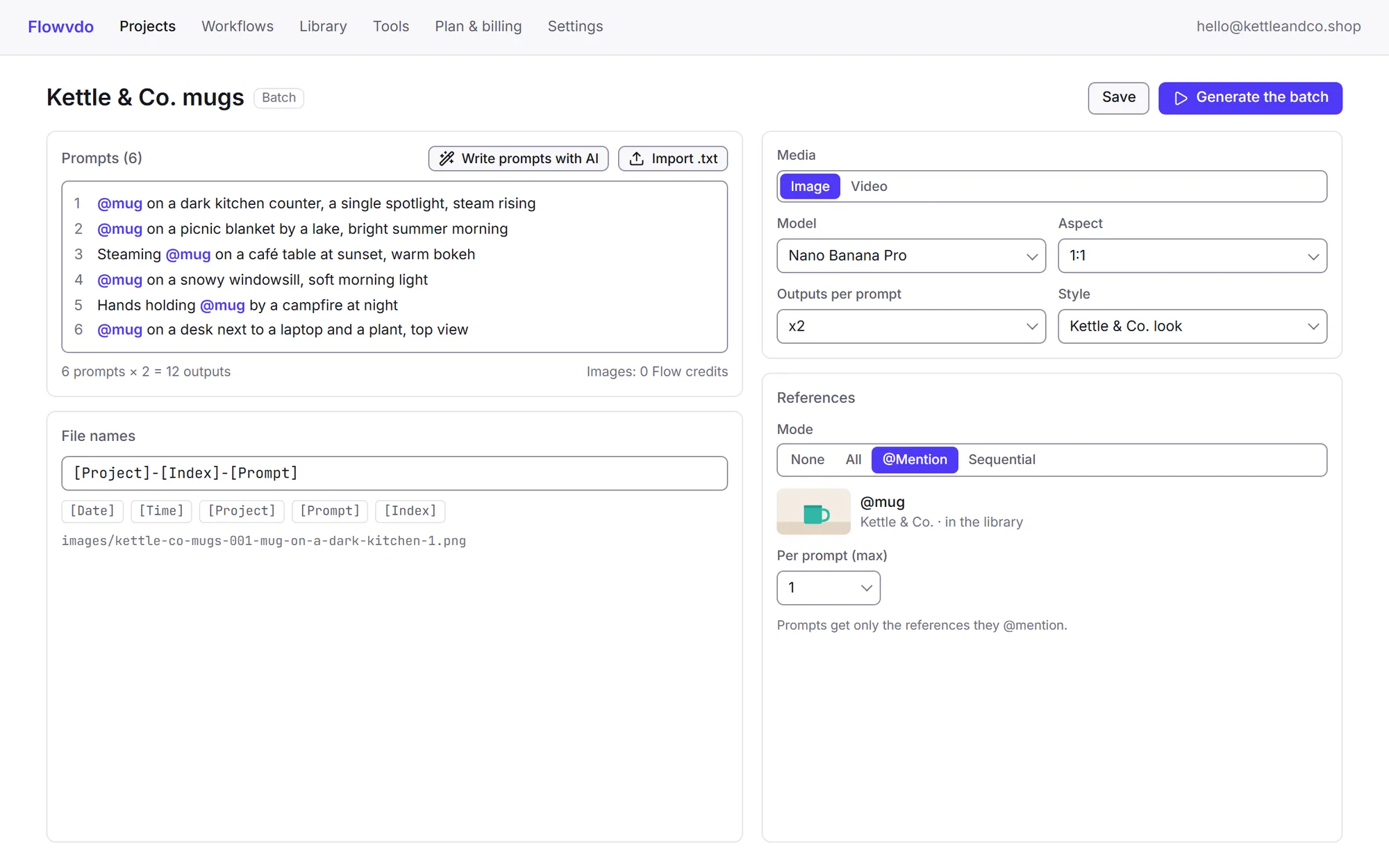
Type them, paste them, or import a .txt file. Choose Image or Video, the model, the aspect ratio and 1–4 outputs per prompt. For video, choose Ingredients or Frames, the resolution and length. Flowvdo shows how many outputs the batch will make before you start.
- Write prompts with AI: an idea and a number, written by your own AI provider
- Images: shown as 0 Flow credits when Flow says so
- Each video’s cost is read from Flow before it’s generated
- Run from the side panel or the web app
Four reference modes and @mentions
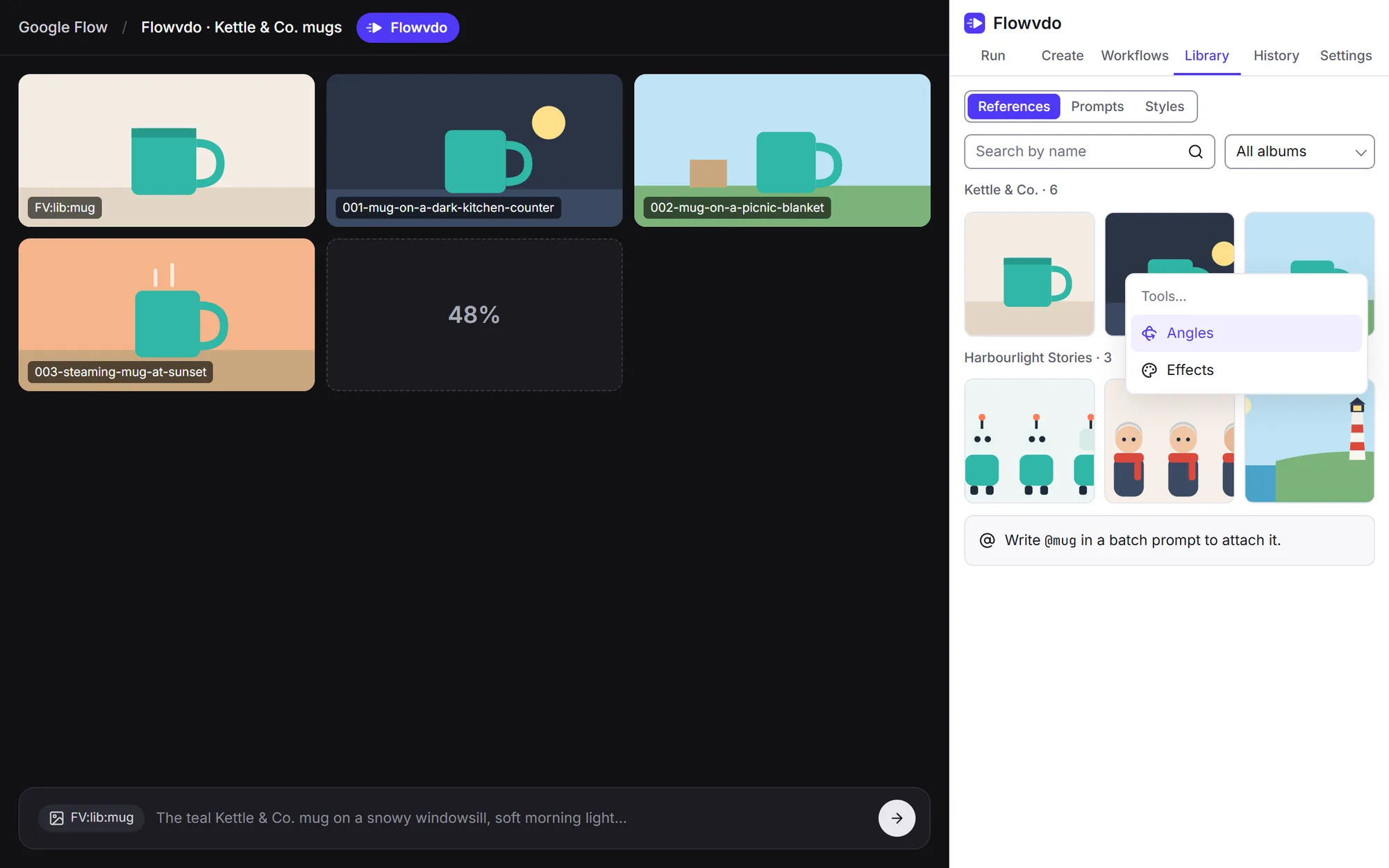
Give every prompt the same pictures (All), only the ones it names with @slug (@Mention), one after another (Sequential), or none. Up to 5 references per prompt, uploaded from your library into the Flow project only when a prompt needs them.
- Add a saved style to the end of every prompt
- Chain videos so each continues from the previous last frame
- Warnings for an @mention that isn’t in your library
File names you can sort
Build names from [Date], [Time], [Project], [Prompt] and [Index]; the default is [Index]-[Prompt]. Images go to images/, videos to videos/, numbered when a prompt has several outputs.
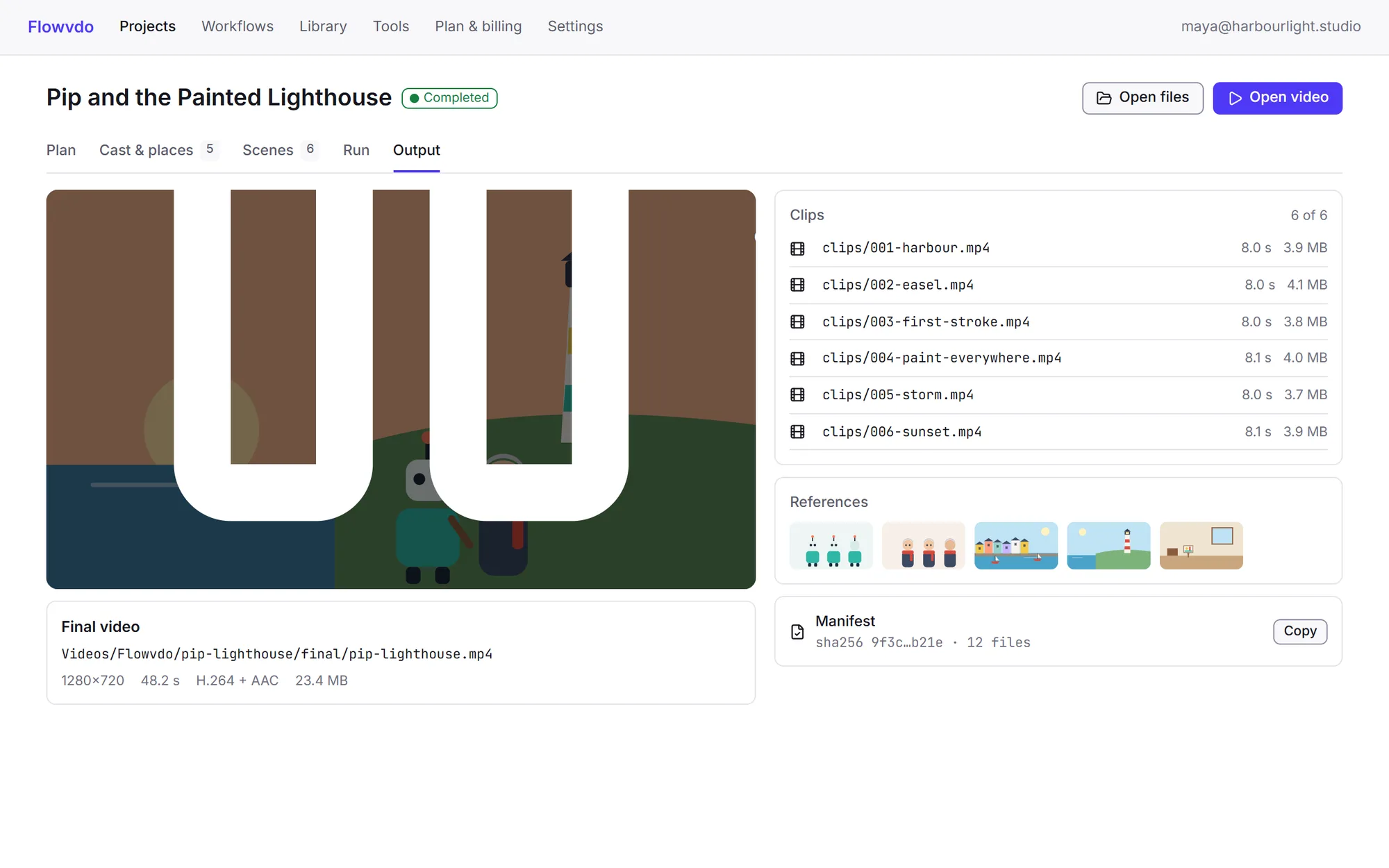
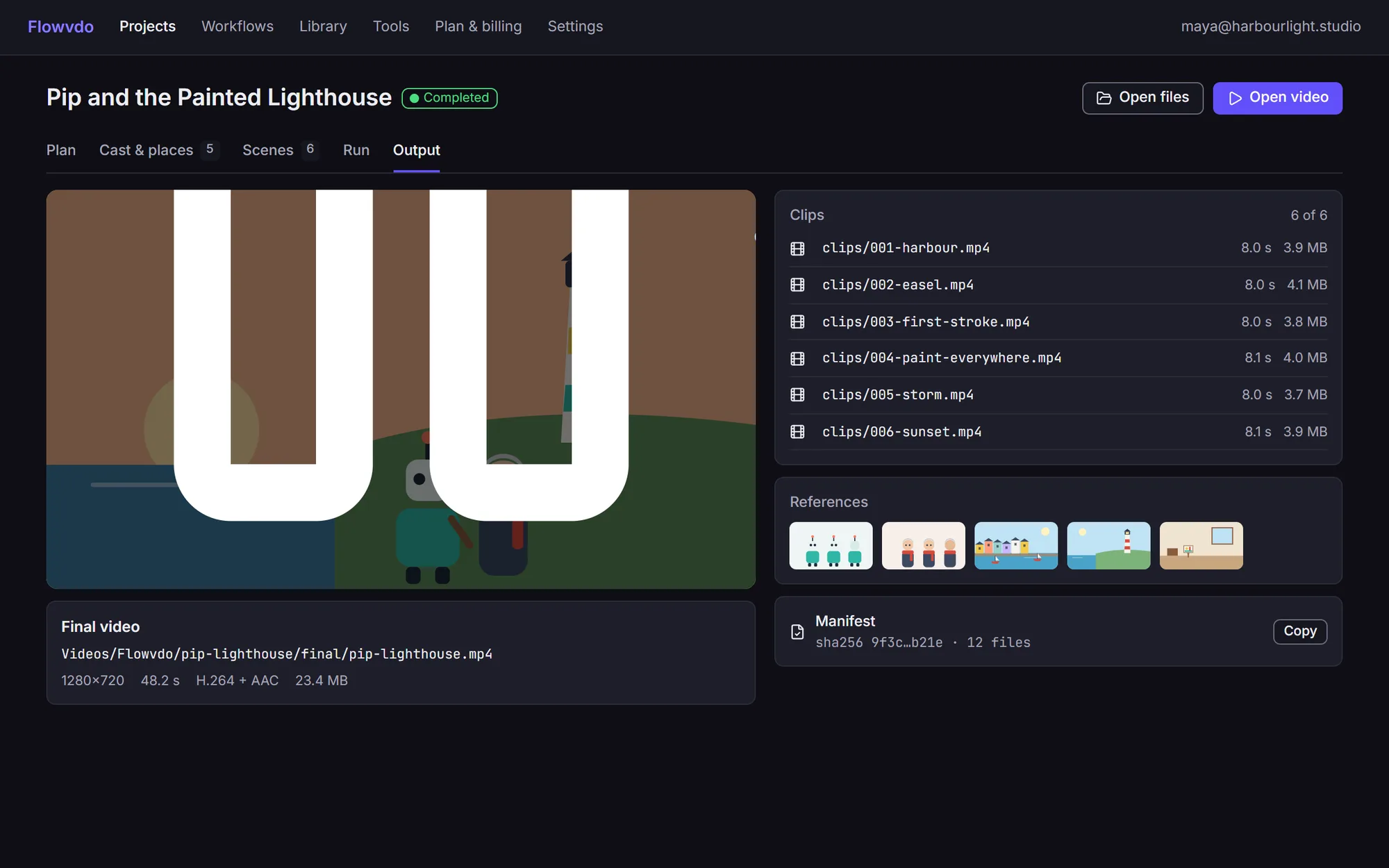
See what worked. Rerun only what didn’t.
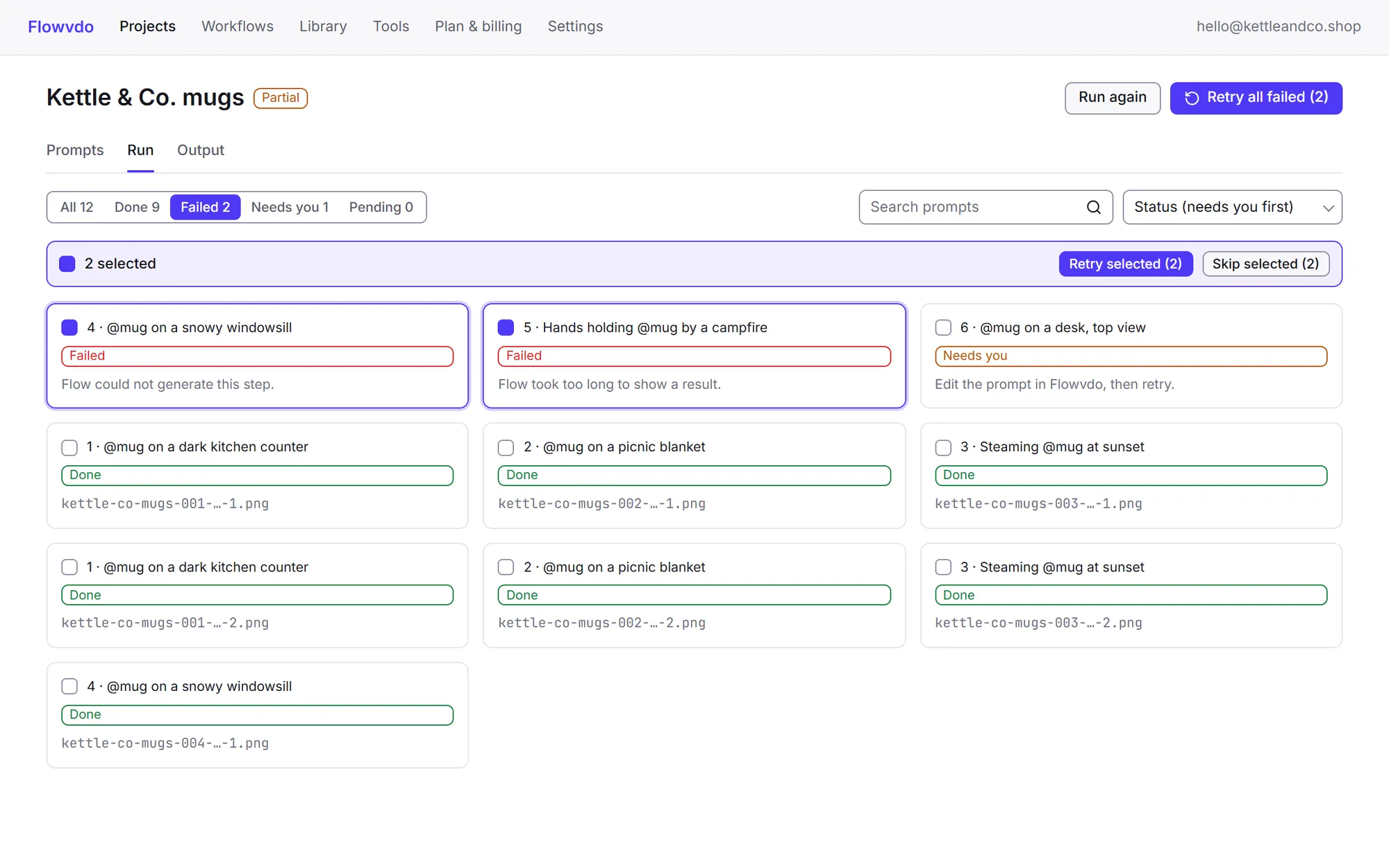
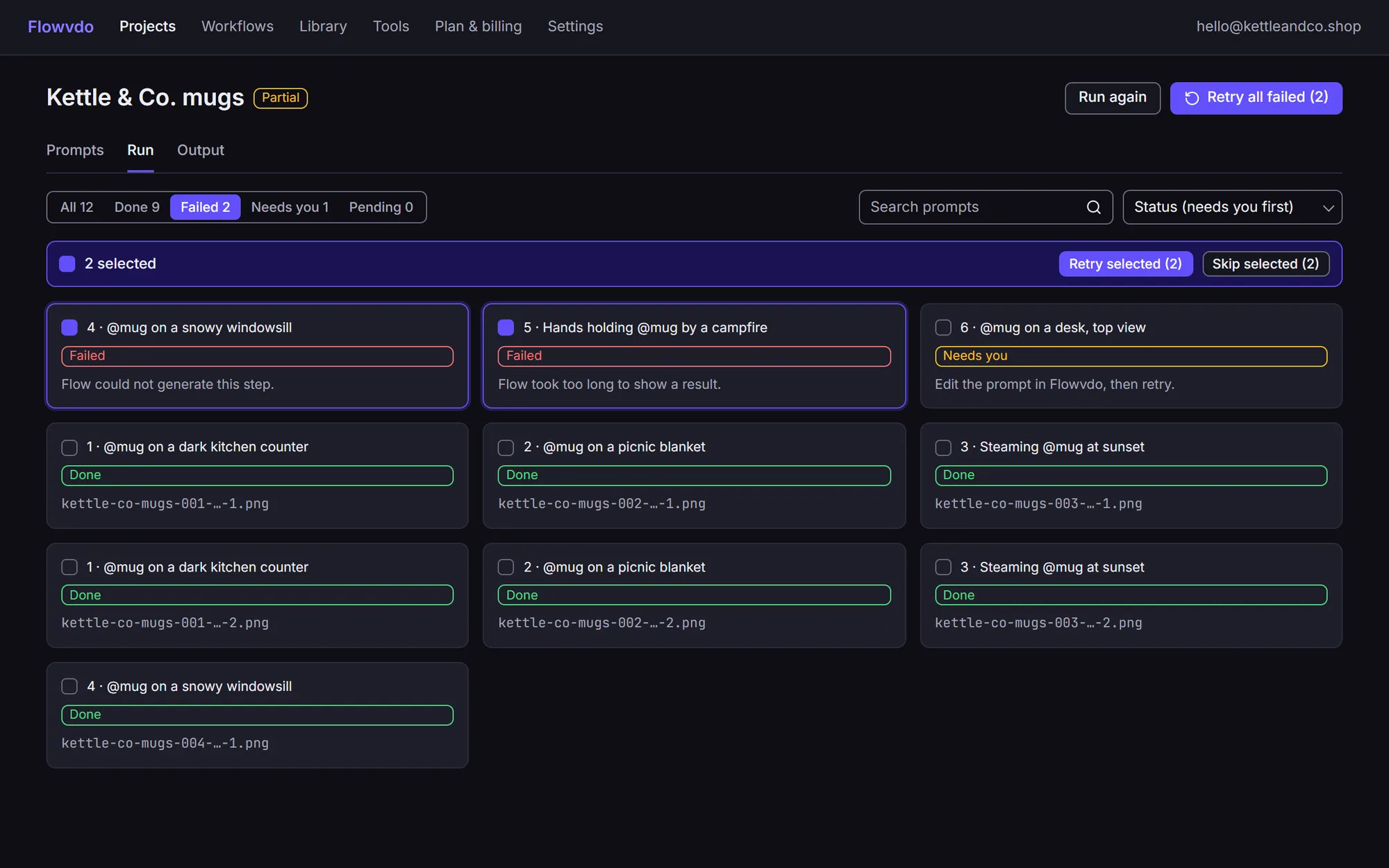
A results grid with filters and bulk actions
Filter by All, Done, Failed, Needs you and Pending, search prompts, and retry or skip many items at once. Every batch shows Completed, Partial or Failed at a glance.
- Run again: Failed only, Failed and pending, or Everything again
- Run again on another model
- Duplicate a batch to start a variation
Batches, in detail
Batch builder
Up to 300 prompts per batch, images or videos, one to four outputs each, or import a .txt file.
Write prompts with AI
Give an idea and a number; your AI provider writes the prompts straight into the batch.
Reference modes
Give prompts no references, all of them, the ones they @mention, or each in turn (up to 5 per prompt).
@mentions
Write @slug in a prompt to attach that picture from your library.
Styles
A saved style is added to the end of every prompt in a batch.
File names you choose
Name files from [Date], [Time], [Project], [Prompt] and [Index].
Chained batch videos
Each video can continue from the last frame of the one before.
Run again
Rerun failed only, failed and pending, everything, or on another model; duplicate a batch.
Results grid
Filter by All, Done, Failed, Needs you and Pending, search, and retry or skip many at once.
Credit budget
Every run has a credit budget (by default the estimate plus 10 %); it pauses before any step that would go over.
Bulk speed without bulk risk
Batches run on the same engine as story videos: one generation at a time, the cost read before each one, a budget, pauses that explain themselves, and recovery after a restart that never generates a result twice.
Safe runsBatches is in every plan. The Free plan gives you 1 active project, 2 runs a month, up to 4 scenes and 30 s per video; Creator and Storyteller raise those limits. Your Google Flow credits stay your own on every plan.
Compare plansQuestions, answered
How fast is a batch?
Do batch items count toward my plan?
Can I download in 1080p or 4K?
Can I import prompts from a file?
Can a batch use my own photos?
Make your first story video
The Free plan makes one short video from start to finish, so you can see the whole pipeline before you pay.
Flowvdo uses your own Google Flow account and credits, and your own AI provider key. Not affiliated with Google.