Merge Google Flow clips into one finished video.
Google Flow makes clips of a few seconds. Flowvdo saves each one the moment it’s ready, checks it, and joins them in story order into one MP4 in your folder, on your own computer.
Flowvdo uses your own Google Flow account and credits, and your own AI provider key. Not affiliated with Google.
The last mile is the slowest
I download twelve clips one by one and drag them into an editor in the right order.
Flow’s scene download gives me a zip of separate clips, not a video.
Clips get renamed by another extension and I lose track of which is which.
I want a two-minute story, and every clip is eight seconds long.
Saved, checked, joined
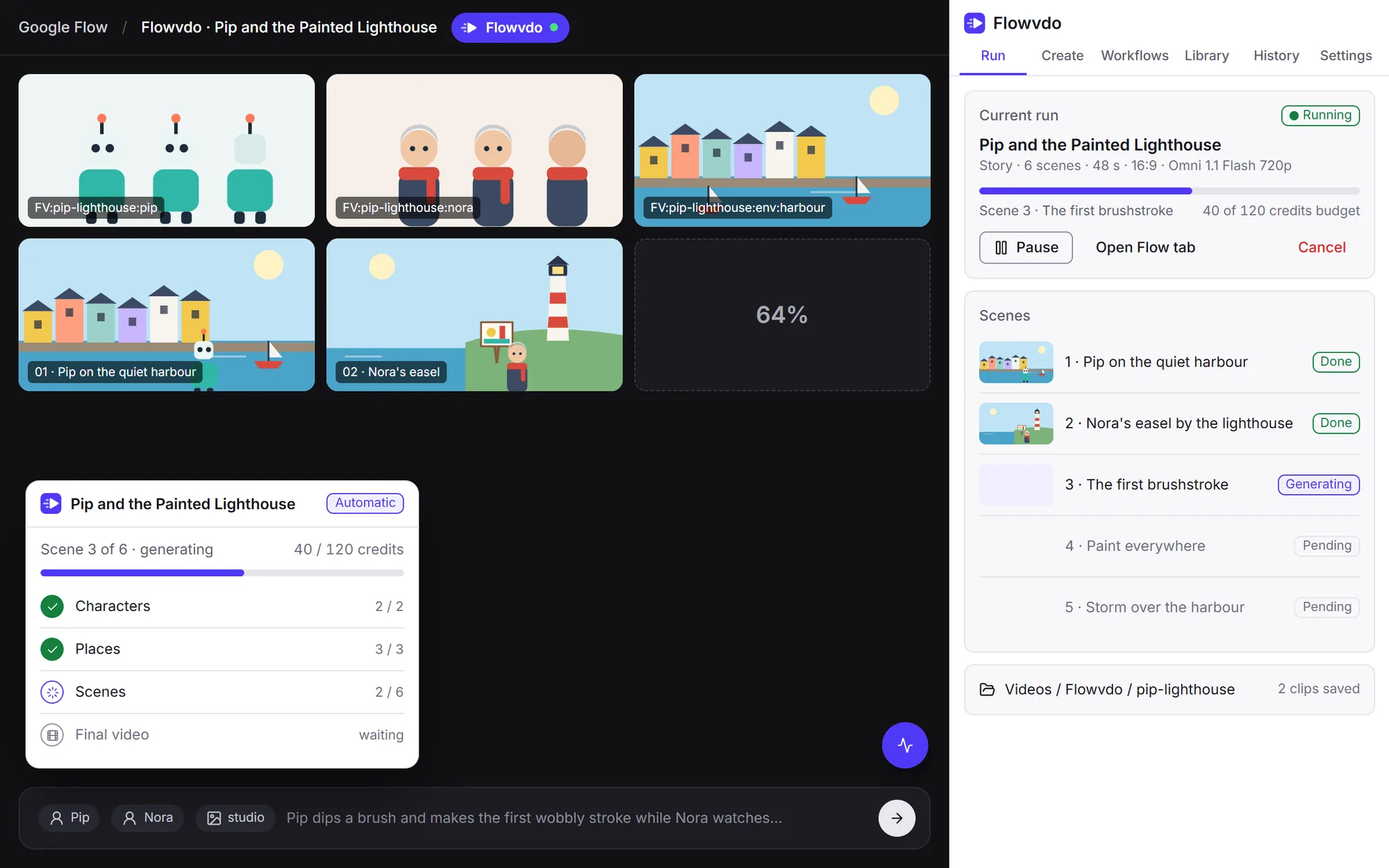
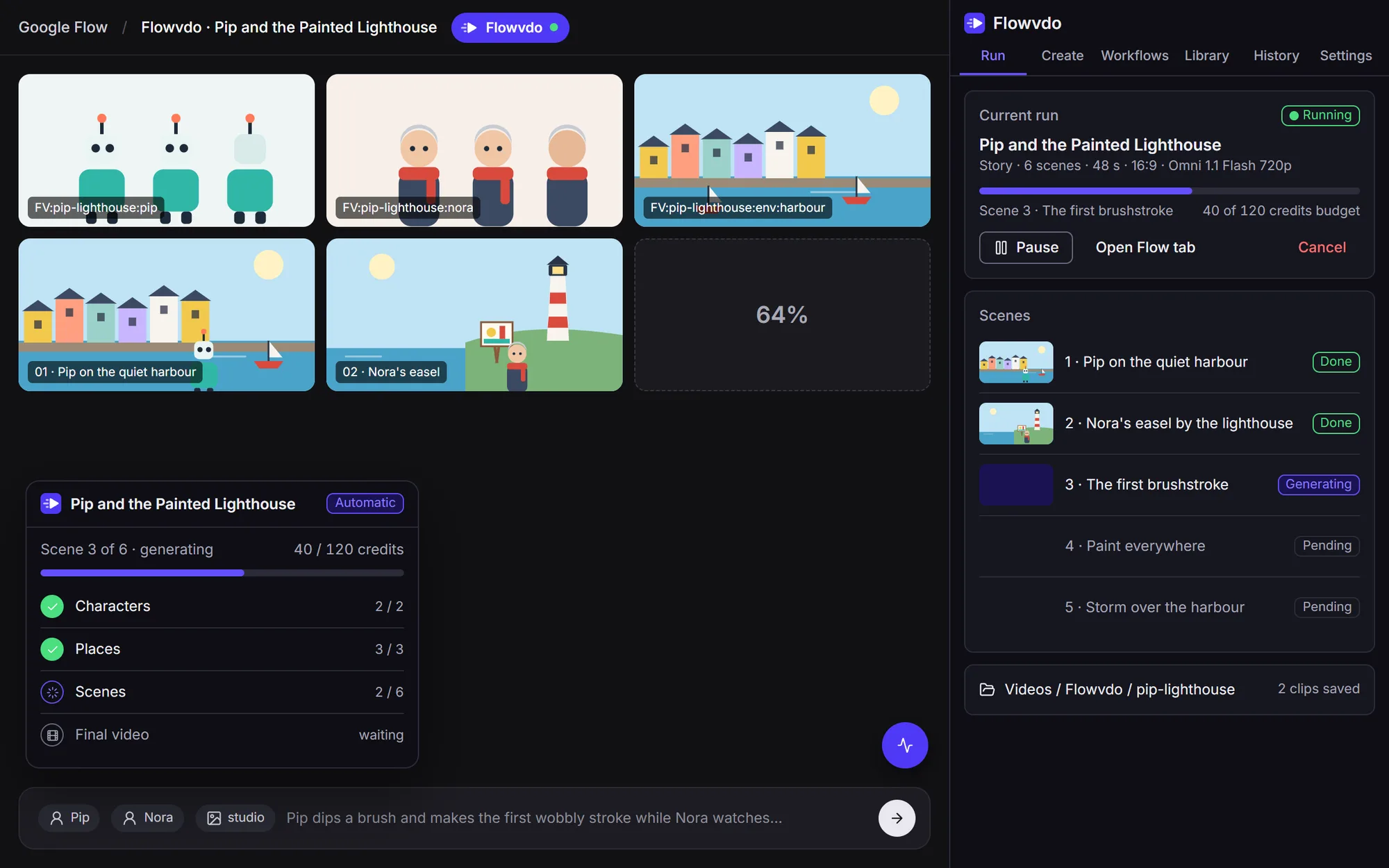
Every clip saved the moment it’s ready
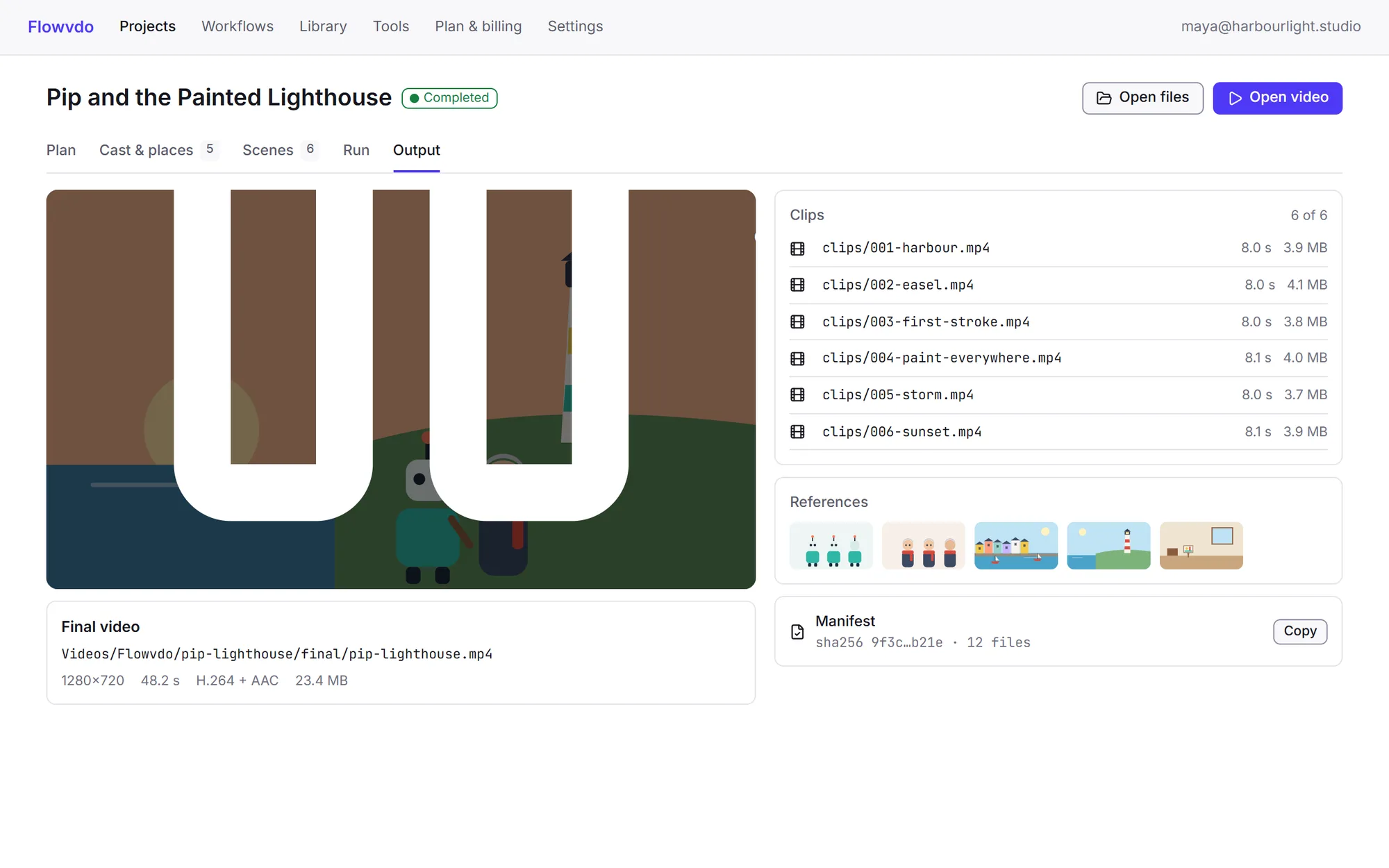
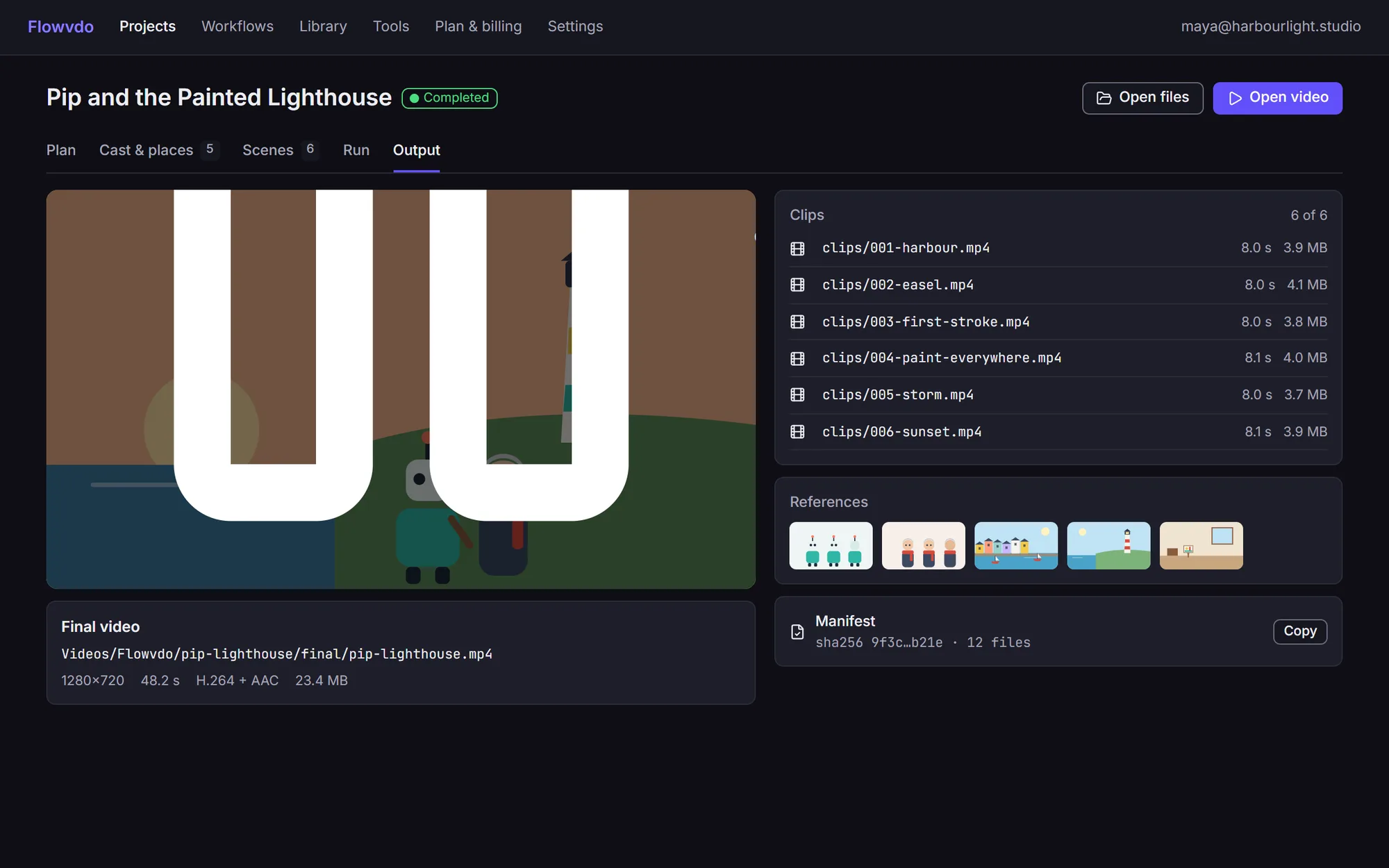
Right after a scene finishes, Flowvdo downloads it from your Flow project and saves it to your output folder with a numbered name in story order. A failed download is retried and never makes Flow generate the scene again.
- Choose any folder once, or use Downloads/Flowvdo/<project>/
- Clips named 001-…, 002-… in story order
- Each file checked: a real MP4 of the expected length
One MP4, without re-encoding when it can
When every clip shares the same format, which is normal for one project, Flowvdo joins them without re-encoding: fast, and no quality is lost. When they differ, it re-encodes them to match. All of it happens in the extension on your computer; your videos are never uploaded to Flowvdo.
- Native audio from each clip is kept
- A missing clip is left out and listed, never silently hidden
- The final video lands in final/ next to everything else
Everything in one tidy project folder
References, every clip, the final video and a manifest that lists each file with its size and SHA-256 checksum, so you can check nothing changed.
Videos/Flowvdo/pip-lighthouse/
├─ references/
│ ├─ characters/pip.png, nora.png
│ └─ environments/harbour.png, lighthouse.png, studio.png
├─ clips/
│ ├─ 001-harbour.mp4
│ ├─ 002-easel.mp4 … 006-sunset.mp4
├─ final/
│ └─ pip-lighthouse.mp4 # one finished video
└─ manifest.json # every file, its size and SHA-256
Longer than 8 seconds, without the editing
A long video is just more scenes. Plan a story of a minute or more and Flowvdo generates it scene by scene and joins it. Your plan sets the length of one video: up to 30 s on Free, up to 3 min on Creator, any length on Storyteller.
Plan a long story- Up to 120 scenes in a plan
- Clips are saved to disk as they finish, so a long run never holds everything in memory
- Pause today and resume tomorrow: finished clips stay done
Output you can trust
Your output folder
Save to a folder you choose, or to Downloads/Flowvdo/<project>/.
One finished video
Clips are joined into one MP4 on your computer: without re-encoding when they match, re-encoded when they don't.
Checked files and manifest
Every file is checked, given a SHA-256 checksum and listed in manifest.json.
No double spending
After a restart Flowvdo finds the finished clip instead of generating it again; a failed download is retried, never regenerated.
Notifications
A desktop notification when your video is ready or needs you, and an optional email.
Batch file names
In batches, name files from [Date], [Time], [Project], [Prompt] and [Index].
Joining into one video is in every plan. The Free plan gives you 1 active project, 2 runs a month, up to 4 scenes and 30 s per video; Creator and Storyteller raise those limits. Your Google Flow credits stay your own on every plan.
Compare plansQuestions, answered
Can I edit the video afterwards?
Does joining reduce quality?
What resolution is the final video?
Where is the folder?
Do my videos go through Flowvdo’s servers?
Make your first story video
The Free plan makes one short video from start to finish, so you can see the whole pipeline before you pay.
Flowvdo uses your own Google Flow account and credits, and your own AI provider key. Not affiliated with Google.