What Is a Story-to-Video Workflow?
A story-to-video workflow turns one written idea into a finished multi-scene video. Here are its four parts and how to run each one with Google Flow.
 Rakibuzzaman1 min read
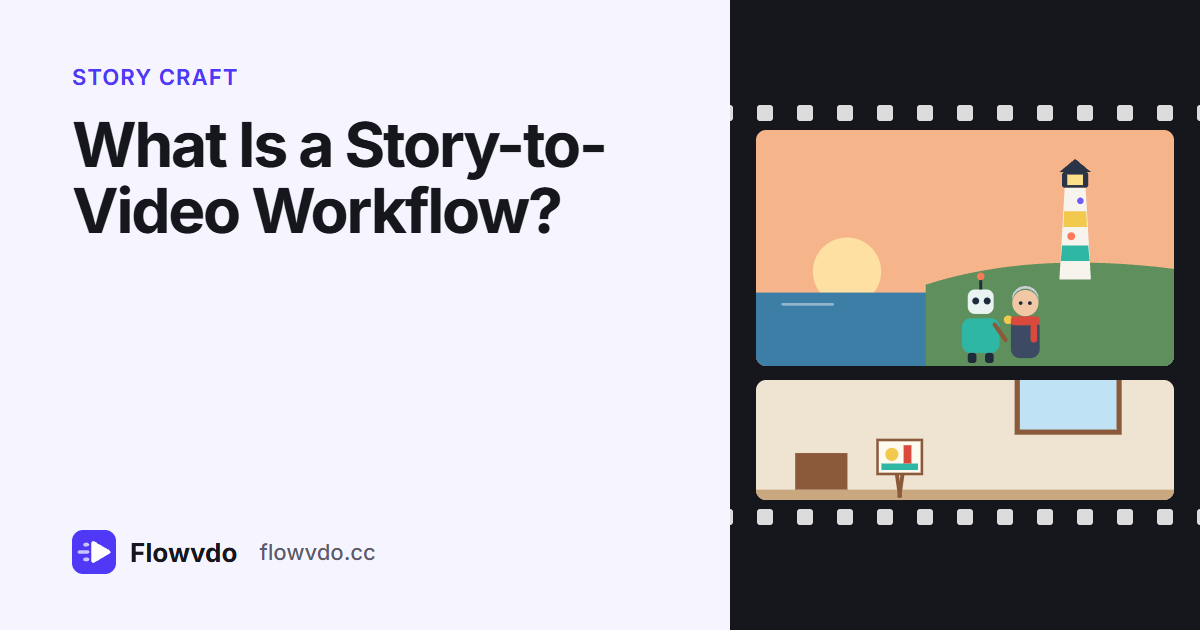
Text to video makes one clip from one prompt. Story to video makes a whole story from one idea: a planned sequence of scenes, with the same characters and places, joined into one finished video.
The four parts
1. The plan
A story needs a shape: a beginning, a middle and an end, a cast with clear looks, places, and a list of scenes. Each scene needs an objective, an action, a camera idea and a duration that fits the clip lengths the video model makes. Finally, each scene needs its own prompt.
2. Consistency
Because every scene is generated separately, the plan must carry the cast's look from scene to scene: reference images for characters and places, the same words for unchanging traits, and sometimes the last frame of one scene as the start of the next.
3. Generation
The scenes are generated in order, each with its references attached. Each result is checked, saved and named. Failures are retried or fixed without regenerating what already worked.
4. Joining
The clips are joined in story order into one file, ready to watch, edit or publish.
Running it with Google Flow
Google Flow is an excellent engine for part 3. Parts 1, 2 and 4 are where most of the time goes when you work by hand. A story-to-video tool such as Flowvdo plans the story with your own AI key, generates the references and scenes in your own Flow account, and joins the clips on your computer.
Flowvdo plans the scenes, generates them and joins one finished video.
When it's worth it
A story-to-video workflow pays off when you make more than one or two clips at a time: story channels, children's stories, short films, explainers and series. For a single striking shot, a prompt in Flow is still the fastest way.
Read more: Story to video — idea in, one finished video out.
Explore Story to videoRakibuzzaman · Founder & CEO, Degird
Founder and CEO of Degird, building focused, privacy-first software, including Flowvdo.
 Sharmin Sultana
 Ishrat Jahan